
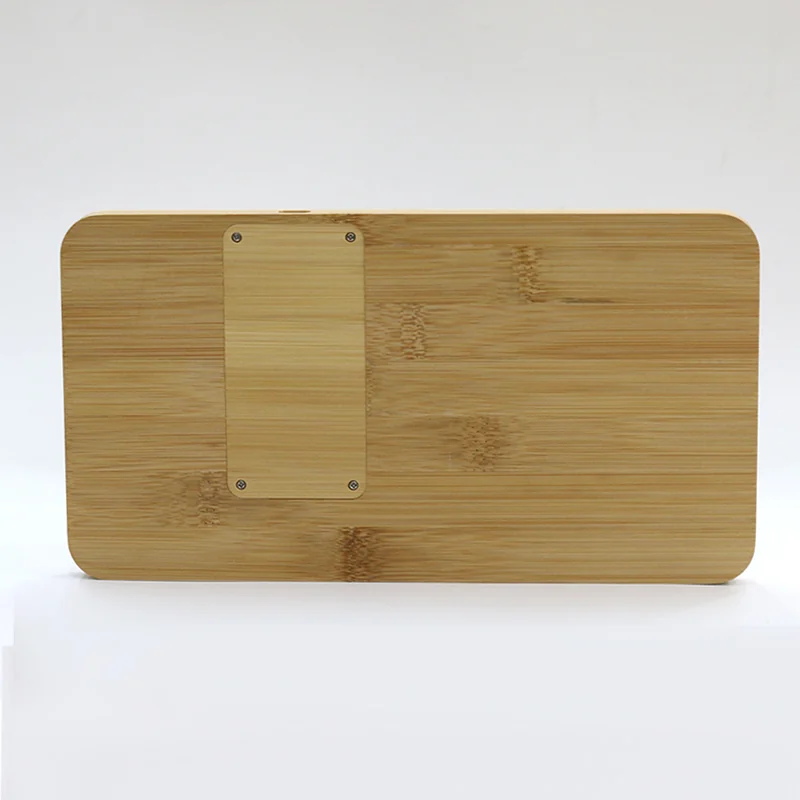
Choose one useful bamboo desk product, then align branding, packed-kit dimensions, distribution and cross-team sample approval before launch.
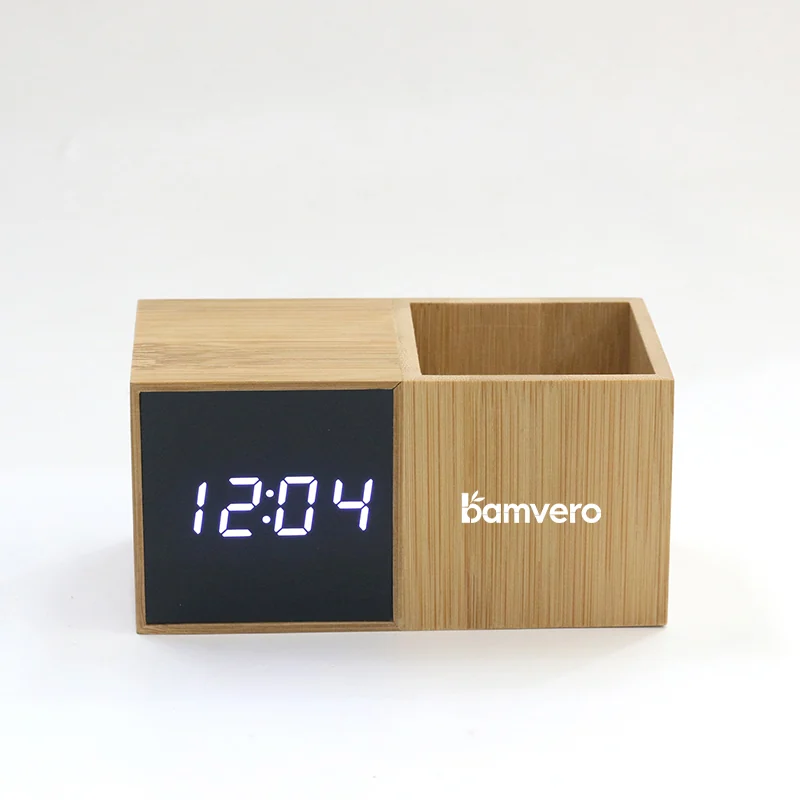
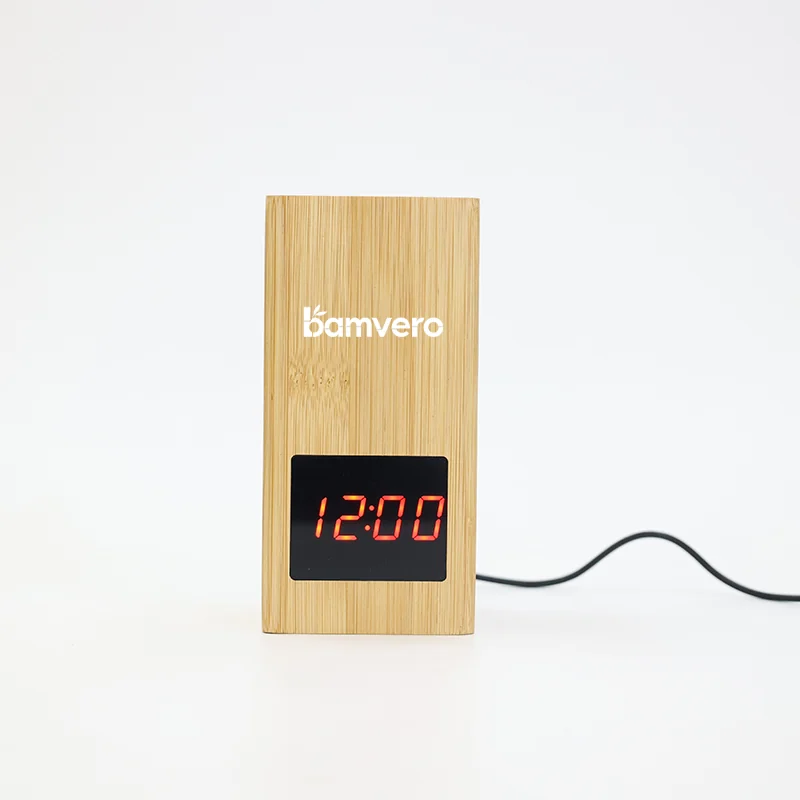
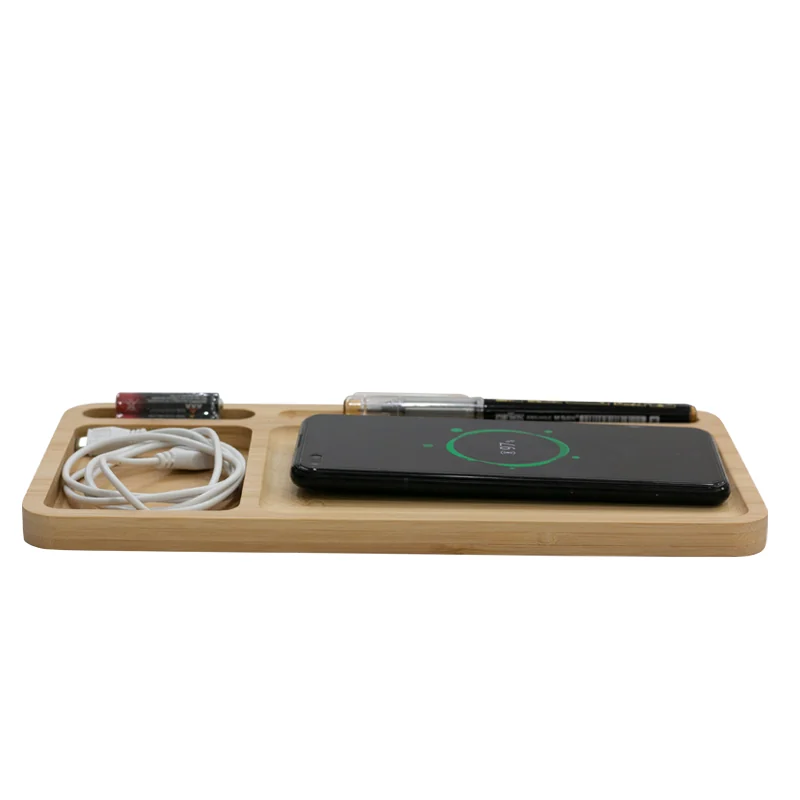
Before building an employee welcome kit, review 1293Z bamboo pen-holder clock, 2020S vertical pen-holder clock, W119 charging desk organizer and confirm the requirements for your project.
Who This Guide Is For
This guide is for HR teams, people-operations managers, procurement teams, corporate-gift agencies and employers planning welcome kits for office, hybrid or remote employees.
A useful employee kit should make the first workday easier and fit the employee's actual desk. Bamboo desk accessories can provide a warm, coordinated appearance, but the product still needs a clear job. A pen-holder clock, a charging organizer and a larger multifunction desk accessory should not be treated as interchangeable gifts.
The confirmed product directions below come from current Bamvero product information. Logo method, packaging, MOQ, lead time, included power accessories, charging compatibility and destination-market documents must be confirmed for the exact selected model and quotation.
Quick Decision Guide
| Model | Confirmed product direction | Best program role | Questions to confirm |
|---|---|---|---|
| 1293Z | Bamboo pen holder clock with LED time display and stationery storage | Compact desk item for standard onboarding kits | Power method, dimensions, logo area and packaging |
| 2020S | Vertical bamboo pen holder with LED time display and DC 5V input | Space-saving option for smaller desks or reception roles | Cable and adapter, control instructions, logo method and box size |
| W119 | Bamboo desk organizer with 15W wireless charging and multiple storage areas | Premium desk kit where organization and phone charging are both relevant | Device test list, input supply, case tolerance, accessories and dimensions |
| W125 | Bamboo product combining 15W wireless charging, LED clock and vertical pen storage | Multifunction onboarding gift for office-based or executive programs | Charging test, display controls, pen capacity, package footprint and branding |
The right model depends on the employee work setting and kit logistics, not simply the number of functions.
Define the Employee Experience First
Before choosing the product, decide what the kit should help the employee do in the first week.
For an office-based employee, the kit may need a practical desk item that is already set up at the workstation. For a remote employee, packaging durability, clear instructions and easy power setup may matter more. For a hybrid employee, compact size and a product that works in more than one desk setting may be useful.
Write a one-page program brief covering:
- employee group and working arrangement;
- delivery method: desk placement, central event or individual shipping;
- countries or regions receiving the kits;
- other items included in the box;
- desired logo visibility;
- message card and language requirements;
- power and device requirements;
- target delivery date and internal approval deadline;
- process for damaged, missing or incorrect items.
This brief prevents the gift item from being selected only for appearance while logistics and daily use are decided later.
Match the Product to the Desk Situation
Standard desk kit
1293Z combines an LED time display with stationery storage. It can work as a recognizable desk item when the program needs a simple product story. Confirm the exact power method and dimensions before finalizing the box.
Compact or space-conscious desk
2020S uses a vertical pen-holder format and a DC 5V input. Its upright structure can suit a program where desk footprint matters. Ask the supplier to confirm the cable, adapter requirement and control instructions for the quoted configuration.
Organization-led premium kit
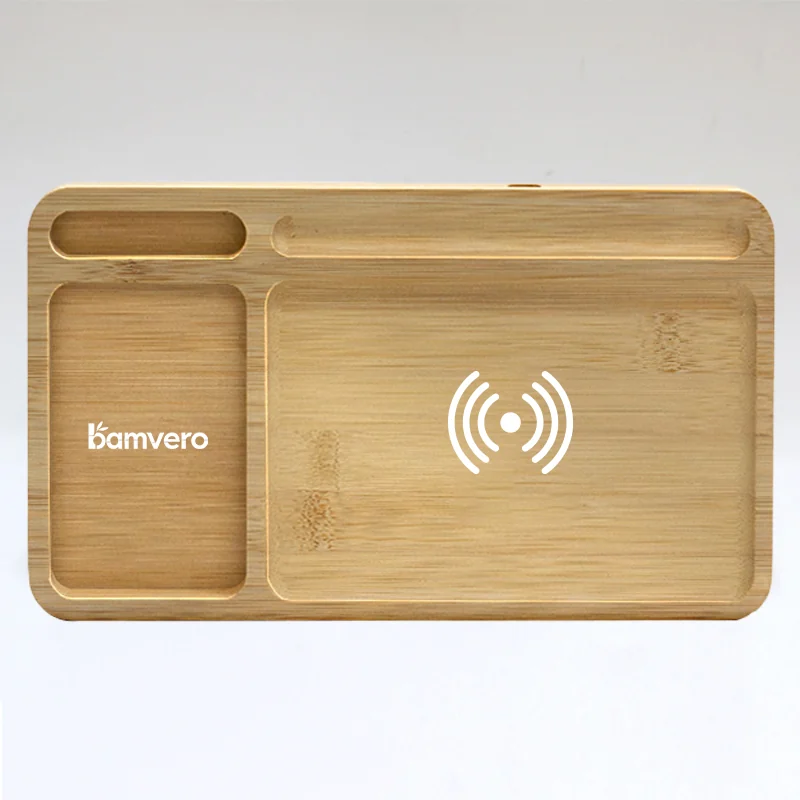
W119 combines multiple storage areas with 15W wireless charging. It can anchor a larger desk kit, but buyers should test representative phones and cases, confirm the required input supply and check how the other kit items fit around the organizer.
Multifunction desk gift
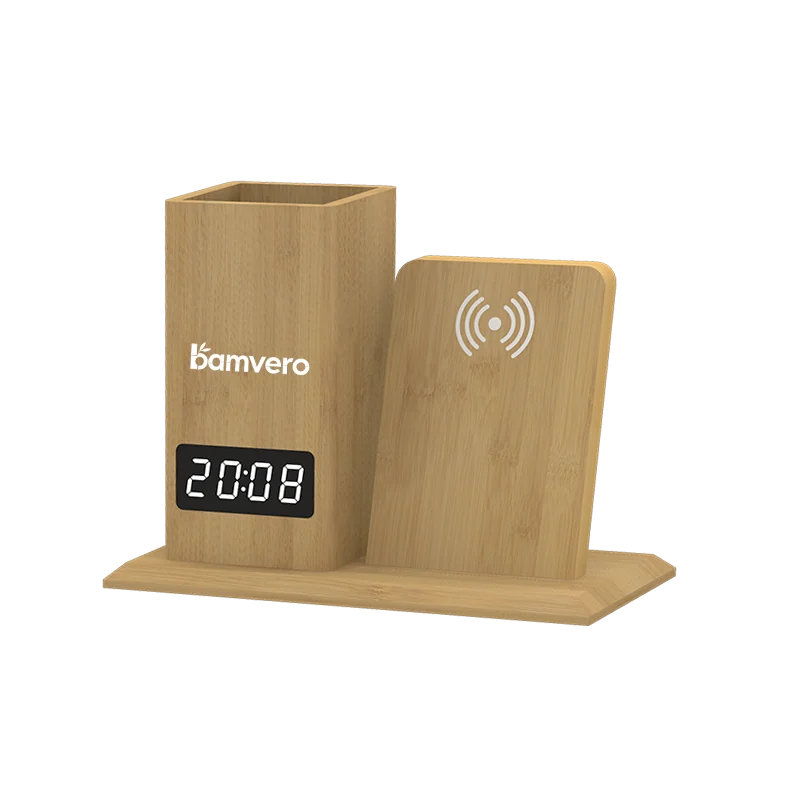
W125 combines 15W wireless charging, an LED clock and vertical pen storage. It gives the program several visible functions in one item. The buyer should confirm the display controls, charging test list, power accessories, available logo area and packaged dimensions.
Choose One Hero Item Per Kit Tier
When every product is presented as the main gift, the kit can feel crowded and become expensive to pack. Define one hero item for each program tier, then add supporting items only when they improve setup or communication.
| Kit tier | Hero-item direction | Supporting-item examples | Decision focus |
|---|---|---|---|
| Standard | 1293Z or 2020S pen-holder clock | Welcome card, notebook or approved cable | Compact packing and simple desk use |
| Premium | W119 charging organizer | Cable guide, stationery or branded message card | Desk organization and verified charging setup |
| Multifunction | W125 charging pen-holder clock | Small stationery set or role-specific insert | Clear instructions for charging, display and storage |
These are planning directions, not fixed bundles. Check the dimensions, weight, accessory list and total packaging structure before confirming the kit.
Plan Branding for Daily Use
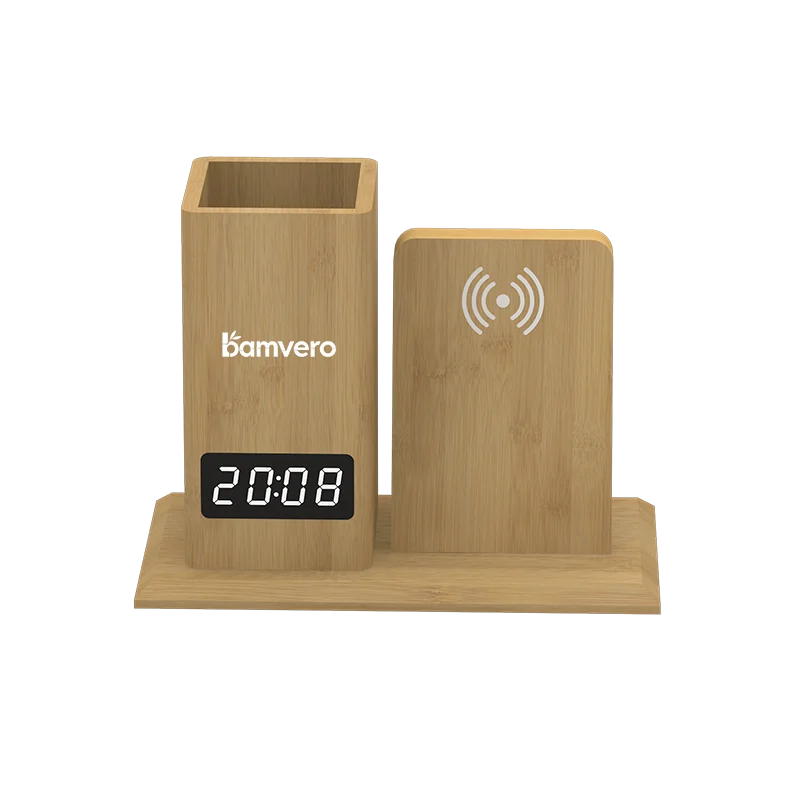
The logo should be visible without making the desk accessory look like disposable event merchandise. Ask for a physical branded sample and review it in the same lighting and viewing position as a normal desk.
The approval file should record:
- final artwork file and revision;
- logo dimensions and position;
- confirmed decoration method;
- color reference where applicable;
- acceptable result across natural bamboo grain variation;
- restricted areas around displays, controls and charging zones;
- company name, team name or event message on packaging or insert cards;
- employee-facing wording approved by HR or brand teams.
Avoid environmental statements that the available documents do not support. It is accurate to describe the visible bamboo material or bamboo finish. Claims about certification, recycled content, carbon impact or responsible sourcing require specific evidence.
Build the Packaging Around Fulfillment
An onboarding kit may travel through a gift agency, company office, regional warehouse or individual courier network. The packaging should be designed for the real route.
Confirm:
- whether the product has its own protective retail or gift box;
- how it will sit beside the other kit items;
- whether cables or adapters can move and scratch the bamboo surface;
- whether the manual is visible when the employee opens the kit;
- which labels are needed for model, employee, department or destination;
- how individual addresses and personal data will be handled by the fulfillment provider;
- how spare units and replacement accessories will be stored;
- whether the outer shipper needs additional protection for individual delivery.
For a multi-item kit, request a packed mockup. Check opening order, product movement, corner protection, total size and the clarity of the welcome message.
Review the Sample With More Than One Team
The person approving the logo may not notice a power or usability issue. Create a short cross-functional review.
HR or People Operations should confirm the message, employee fit and rollout process. Brand or Marketing should approve artwork and presentation. IT or Workplace teams should review power, device use and desk suitability when the product includes charging. Procurement should confirm the quotation, packaging, schedule, documentation and claim process.
Record results in one sample sheet:
- product model and exact configuration;
- visible functions and dimensions;
- power input and included accessories;
- representative device tests for charging models;
- logo and bamboo finish approval;
- manual and employee instructions;
- packed-kit photographs;
- open issues and owner;
- final approval status and date.
Do not use “approved with improvements” without listing the improvement and the evidence required to close it.
Budget the Whole Program
The product unit price is only one part of the welcome-kit budget. Build a worksheet with current quotations for:
- product and branding;
- samples and sample revisions;
- individual product packaging;
- shared welcome-kit box and insert;
- manual and message-card printing;
- assembly and fulfillment;
- address labeling and individual shipping;
- destination duties and taxes where applicable;
- spare units and replacement handling;
- storage for phased employee start dates.
Do not use a universal cost per employee. A centrally distributed office kit and an international individual-shipping program have different cost structures.
Run a Small Internal Pilot
Before a wider rollout, give the proposed kit to a representative internal group. Ask them to unbox and use the desk accessory without verbal instructions.
Record:
- whether the product purpose is immediately clear;
- whether setup and controls are understandable;
- whether the product fits the intended desk;
- whether the cable and power instructions are sufficient;
- whether charging alignment is clear on applicable models;
- whether the logo and message feel appropriate for daily use;
- whether packaging creates unnecessary waste or damage risk;
- which questions would reach HR, IT or workplace support.
Use the results to revise the insert card, packaging, product choice or support instructions before the purchase release.
Common Welcome-Kit Mistakes
Choosing by appearance alone
A product can match the visual theme but fail the desk, power or delivery requirement. Select by employee job and fulfillment route first.
Adding too many multifunction items
Several products may repeat clocks, charging or storage. Give each item a separate purpose.
Skipping IT or workplace review
Charging products need a documented device and power setup. Include the relevant internal team before approval.
Approving packaging without a packed mockup
Individual boxes can fit separately but move or damage one another in the final kit. Review the complete pack.
Printing unsupported environmental claims
Only use claims covered by evidence for the exact product and supply chain. Natural appearance is not proof of a certification or carbon result.
Final Buyer Checklist
- Define the employee group, work setting and distribution route.
- Select one hero desk accessory for each kit tier.
- Confirm the exact model, functions, power and accessories.
- Test representative devices for wireless charging models.
- Approve the logo on a physical bamboo sample.
- Review the manual, message card and employee setup instructions.
- Build and inspect a complete packed-kit mockup.
- Assign HR, Brand, IT or Workplace and Procurement reviewers.
- Calculate product, packaging, fulfillment, shipping and replacement costs.
- Run an internal unboxing and desk-use pilot before rollout.
To request a focused welcome-kit shortlist, share the employee profile, countries, delivery method, estimated quantity, target date, preferred product role, logo file and other items planned for the kit. Bamvero Living can then match models and sample requirements to the real onboarding program.
Related sourcing resources
Methodology and official references
Product functions are based on current Bamvero Living guide and model pages. Confirm power, accessories, branding, packaging and destination-market requirements for the selected configuration.
Frequently asked questions
Which bamboo desk accessory works best in an employee welcome kit?
Choose from the employee desk situation and one priority job. A pen-holder clock suits compact organization, while a charging organizer can support a higher-tier powered desk kit after compatibility checks.
Should every kit tier contain a multifunction product?
No. One clear hero item is usually easier to explain and pack. Add other items only when they serve distinct jobs and remain within the program budget and fulfillment limits.
How should logo artwork be approved on bamboo?
Approve it on the real product with the selected print or engraving method. Record size, position, contrast and acceptable natural grain variation.
What should teams check in a packed welcome-kit sample?
Check presentation, movement, cable and accessory separation, instructions, barcode or recipient label, outer-carton protection and the actual shipping method.
Can a company describe the kit as sustainable?
Use only specific claims supported by evidence for the supplied product, packaging and chain of custody. Avoid broad environmental claims based on appearance alone.
Need a desk-product shortlist for your welcome kit?
Share the employee group, kit tier, branding direction, delivery method and target market so the sample plan can match the program.
Request welcome-kit options