
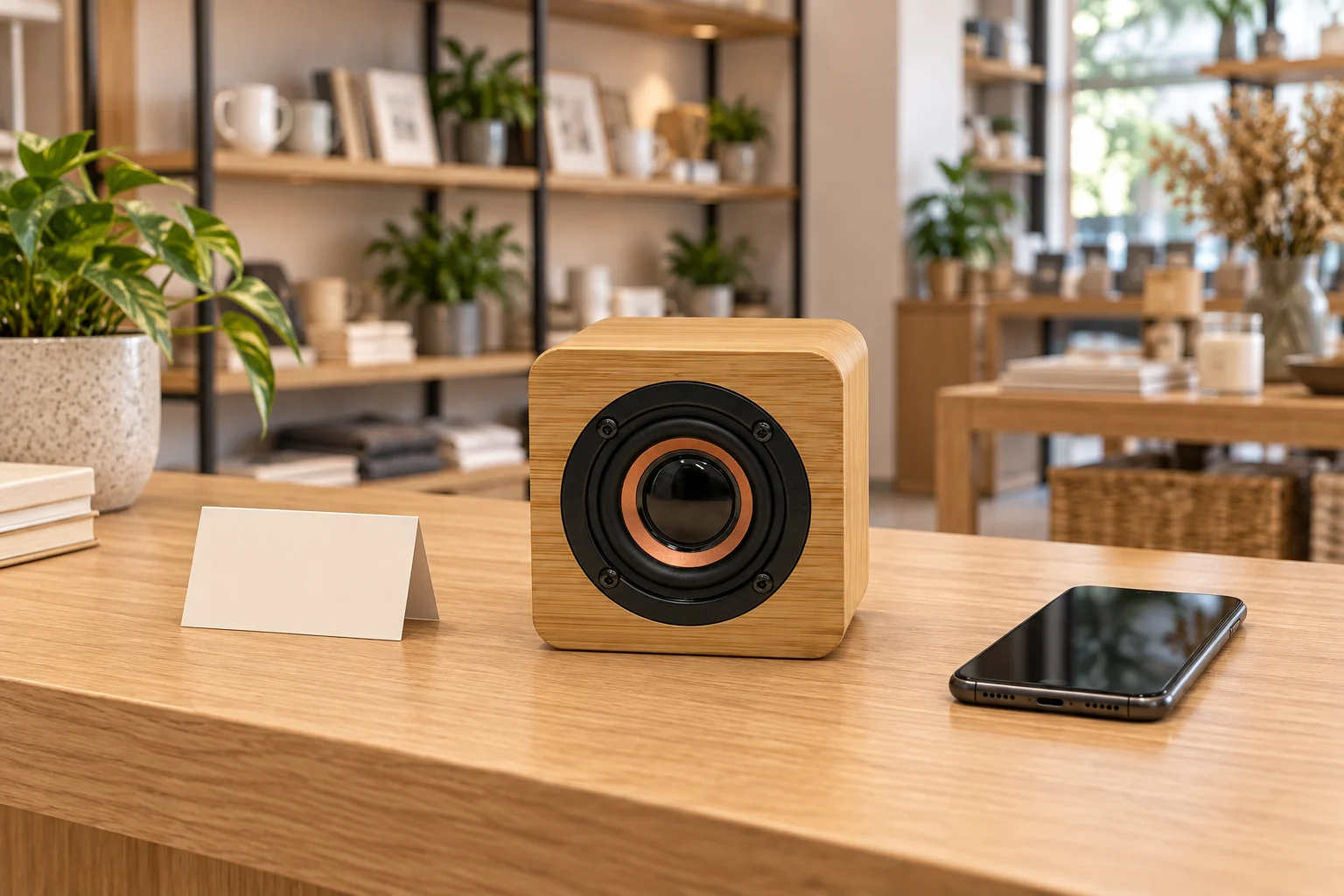
Make the speaker easy to see, simple to demonstrate and straightforward for staff to reset.
A small bamboo speaker can disappear among notebooks, plants and gift boxes on a busy shop counter. Customers may notice the material without realizing that the object is available to hear. A useful display makes the next step clear: identify the product, listen briefly and understand what comes with it.
For a lifestyle retailer or showroom buyer, the goal is not to make the loudest demonstration in the shop. It is to offer a consistent, easy-to-explain experience. Start with the actual speaker product, the available counter space and the staff routine before choosing decorative props.
Give the product a visible listening position
The Y103N reference product has a rounded bamboo body and a front-facing circular speaker. Position it so the front is visible and unobstructed, rather than tucked behind a price card or against a large display object. Leave room for staff to handle it without moving unrelated stock.
Use its current product information to plan the footprint, but confirm the sample and any stand or security arrangement before finalizing the display. A support should be stable and should not cover controls or connections. Do not drill, glue or otherwise modify the housing simply to fit a fixture without reviewing the consequences.
The existing product URL contains the word “clock,” but that is not evidence that Y103N includes a clock display. The current page identifies it as a bamboo Bluetooth speaker. Name the displayed product accurately and confirm functions from the quoted model, not from an old URL or a neighbouring product's description.
Make listening an invitation rather than background noise
A short, staff-led demonstration can be easier to manage than leaving several speakers playing throughout the day. Choose a position where a customer can hear the product without blocking the checkout or forcing nearby shoppers to participate. Consider adjacent staff conversations and other sound sources in the room.
Use a consistent listening distance and a moderate starting level. If you compare products, use comparable conditions and explain the differences being demonstrated. A louder device or a different recording should not be presented as proof of better audio quality.
Select audio that you are entitled to use in the intended retail setting and check the applicable permissions. Do not assume that a personal streaming subscription authorizes every commercial demonstration. This article does not establish music licensing rights for any location.
Keep the source device under control
Where Bluetooth playback is part of the confirmed configuration, agree which staff device will be used and check the pairing sequence on the sample. Switching between personal phones can produce a confusing demonstration and leave a previous device reconnecting unexpectedly.
Before the next customer listens, check the source, volume and connection state. Keep notifications and unrelated personal material out of the demonstration. A short written handover note helps different staff members repeat the same process without promising a pairing time or compatibility that has not been tested.
Confirm how the demonstration unit is powered and which accessories are required. Keep necessary cables safely routed and accessible to staff. Do not infer battery runtime, output power or a Bluetooth version from the product's size or appearance; request those details for the supplied version.
Put useful information beside the sample
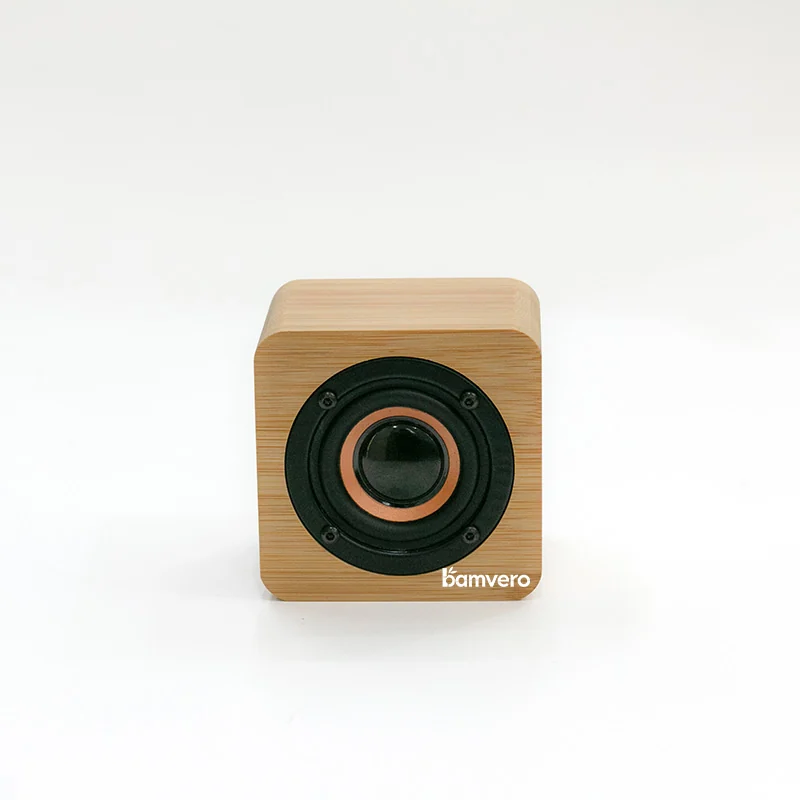
A small card should help customers identify what they are hearing. Include the exact model and the functions that have been confirmed. Distinguish the demonstration's props and source device from items supplied in the retail box, especially when a styled scene includes additional accessories.
Give staff a fuller product record rather than squeezing every detail onto the counter. It should cover the current configuration, included items, basic setup and who handles unanswered questions. Link your internal record to the relevant product selection, not a generic feature list copied across several models.
If the assortment also contains speaker clocks or other audio products, keep their labels separate. A display should help customers understand the distinction instead of implying that every bamboo speaker has the same clock, charging or radio functions.
Plan the end-of-day reset
Assign responsibility for checking that the demonstration unit returns to its agreed state after use. Confirm that the source device is disconnected where appropriate, cables remain tidy and the product is in the correct display position. Keep any cleaning method within the supplier's instructions for the actual materials and electronics.
Record repeated customer questions and demonstration difficulties. If staff keep explaining the same point, the label or placement may need changing. If the demonstration fails, resolve the configuration or product issue before returning the unit to normal use rather than improvising a different setup without a record.
Test the layout before rolling it out
Try the arrangement on one counter before specifying it for multiple locations. Observe whether customers notice the speaker, whether staff can demonstrate it comfortably and whether the product information answers the questions being asked. These observations support layout decisions; they are not a promise of increased sales.
For a display project, share your counter dimensions, number of locations, intended model and how customers will be invited to listen. Through B2B project support, we can discuss the product information and sample questions needed for your setup. Keep the buying decision tied to the actual speaker and the way your staff will use it.
Planning a bamboo speaker display?
Make the speaker easy to see, simple to demonstrate and straightforward for staff to reset.
Discuss a speaker display shortlist