
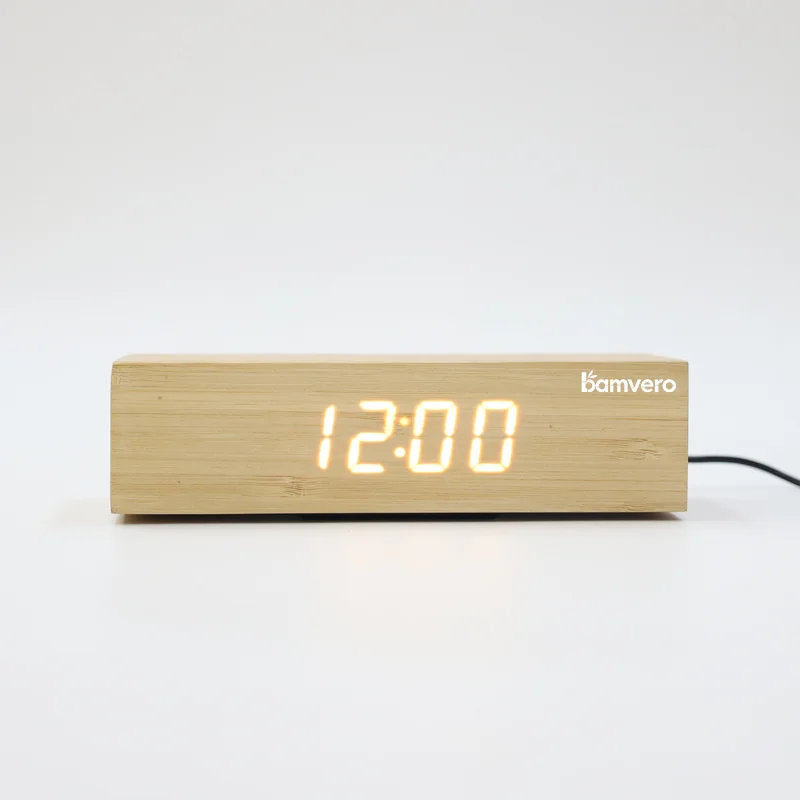
Specify whether USB-C means clock power input or guest charging output, then compare that exact function with wireless charging in a furnished room.
First Define What USB-C Means
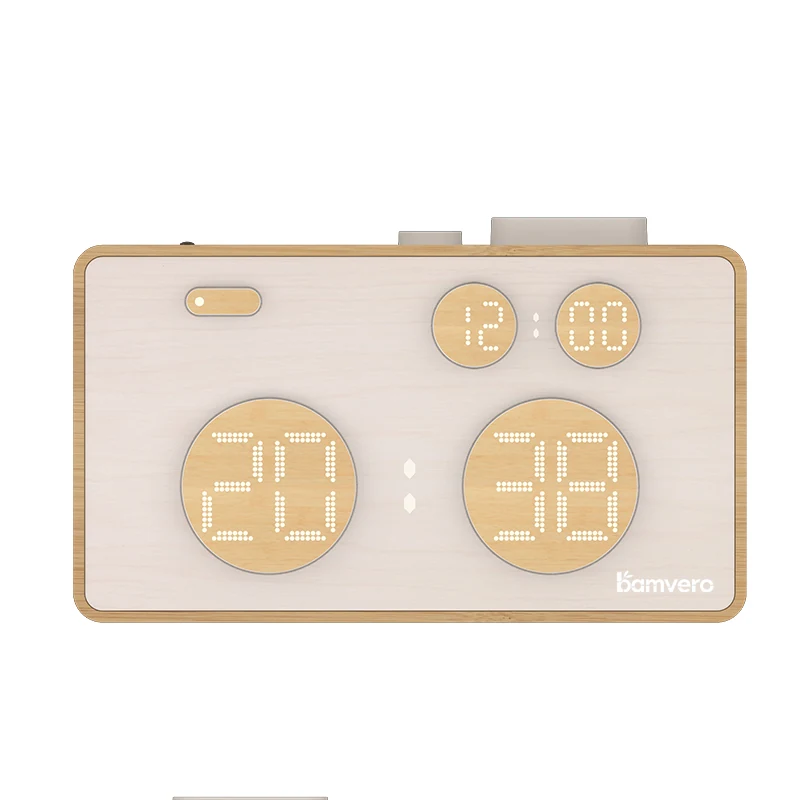
For a hotel buyer, the most important first question is not USB-C versus wireless charging. It is whether “USB-C” describes the clock's own power input or a guest-facing charging output. Those are different functions, yet product pages and quotations often shorten both to “USB-C.”
| Term in a quotation | What it may mean | Evidence the hotel should request |
|---|---|---|
| USB-C power input | The clock receives power through a USB-C connector | Input rating, supplied cable and adapter scope |
| Guest-facing USB-C output | The clock provides charging power to a guest device | Output profiles, port label, cable policy and device test record |
| Wireless charging surface | A compatible device charges when placed on a defined area | Exact model, power source, device, case, alignment and test result |
Never describe a USB-C input as a guest charging port. For example, the 1916 bamboo push-button alarm clock lists USB-C power input. That confirms how the clock is powered; it does not by itself confirm that a guest can charge a phone from the clock.
This distinction should appear in the RFQ, sample checklist, room instruction and product label.
Choose Guest-Facing USB-C When a Cable Is Acceptable
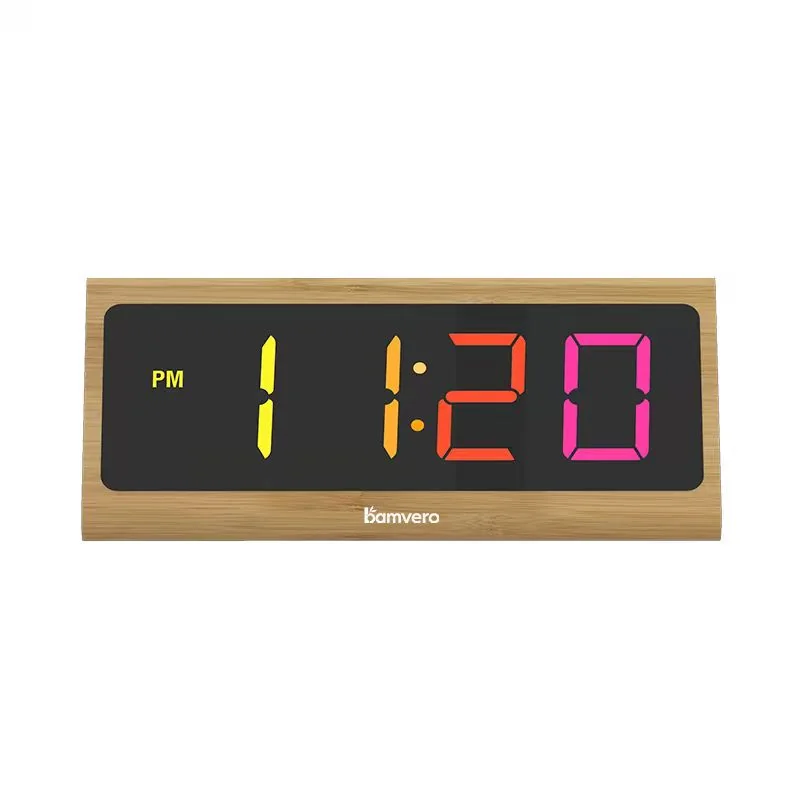
A guest-facing USB-C charging output can be a good fit when the hotel wants a visible connection point and is prepared to manage cables. It gives the guest a clear physical action: connect a compatible cable to the labeled port and device. The hotel still needs to define which cables are supplied, how they are replaced and whether guests are expected to use their own.
Ask for the supported output information for the exact port and power configuration. “USB-C” names a connector shape, not one universal charging performance. The specification should identify the output behavior that has been tested rather than relying on the connector name alone. The USB-IF specifications library is the authoritative starting point for USB documents, while the supplier must provide evidence for the actual hotel product.
In a room mock-up, connect representative guest devices and cables, then observe whether the port is visible from the bed, whether the cable crosses controls or walking paths and whether housekeeping can inspect the port easily.
Choose Wireless Charging When Placement Can Be Made Obvious
Wireless charging removes the guest-side cable connection from the normal charging action. This can reduce loose cable handling on the nightstand, but it replaces the connector step with a placement step. Guests need to recognize the charging area and place a compatible device in the correct position.
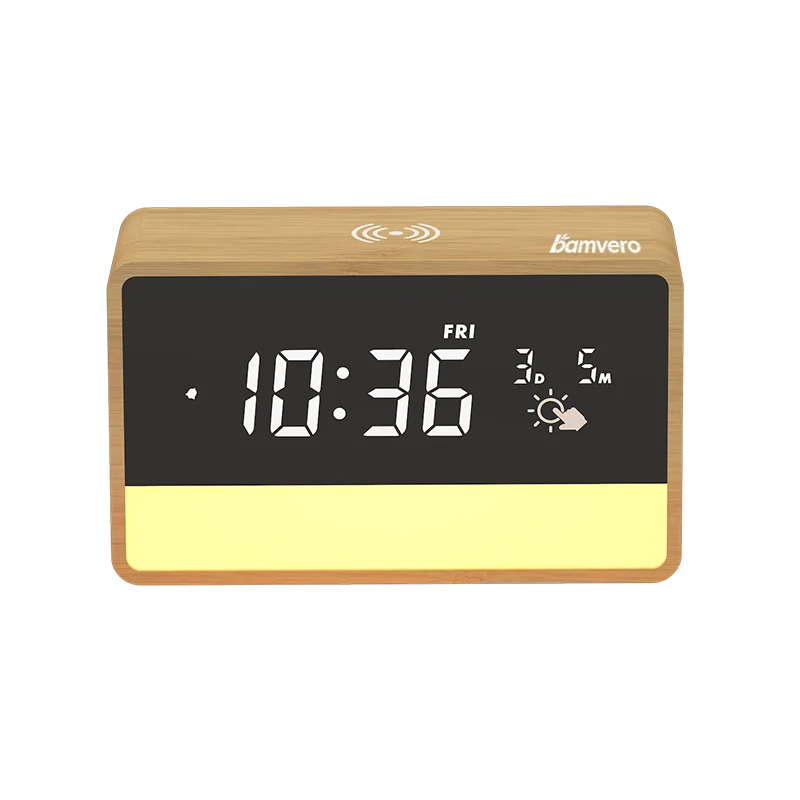
The W118 bamboo wireless charging clock and 1960 charging clock with night light are product directions for testing a charging surface with a clock. The exact supplied power input, representative phones, cases and alignment must still be recorded for the project sample.
If a product is described as Qi Certified, verify the exact product and brand entry in the Wireless Power Consortium certified product database. A similar housing or related model does not transfer certification evidence automatically.
Compare the Operational Trade-offs
The better option depends on guest behavior and hotel operations, not on which feature sounds newer.
| Hotel decision | Guest-facing USB-C output | Wireless charging |
|---|---|---|
| Guest action | Find port and connect a suitable cable | Identify surface and align a compatible device |
| Cable management | Requires guest or hotel cable policy | Charging action is cable-free, but the clock still needs power |
| Compatibility evidence | Port output, cable and device combination | Device, case, power source and alignment combination |
| Cleaning check | Inspect port and surrounding recess | Clean and inspect the charging surface |
| Common support question | “Which cable or port should I use?” | “Where should I place my phone?” |
| Room instruction | Port label and cable guidance | Placement mark and charging indication |
Do not assume one option will eliminate front-desk questions. A poorly labeled USB-C port and an unmarked wireless surface can both confuse a late-arriving guest.
Test the Charging Clock in a Furnished Room
Use the actual nightstand, outlet position, lamp, phone, water and other bedside objects. Place the clock where the hotel intends to install it and test it during daylight and in a dark room.
For each charging route, record:
- exact clock model and revision;
- supplied adapter and cable;
- port or charging-surface label;
- representative device and case;
- start condition, position and test duration;
- charging indication and any guest-facing message;
- what happens after a power interruption;
- cable path, heat observation and housekeeping access.
Ask a first-time tester to enter the room and charge a phone without coaching. Record the first point of hesitation. That observation often reveals more than a feature list.
Keep the Clock Experience Separate From Charging
A charging decision should not hide basic hotel-clock requirements. The display must be readable without becoming distracting at night. Alarm, snooze, dimming and reset behavior should be understandable. Housekeeping needs a repeatable room-reset process, and maintenance needs clear model and power identification.
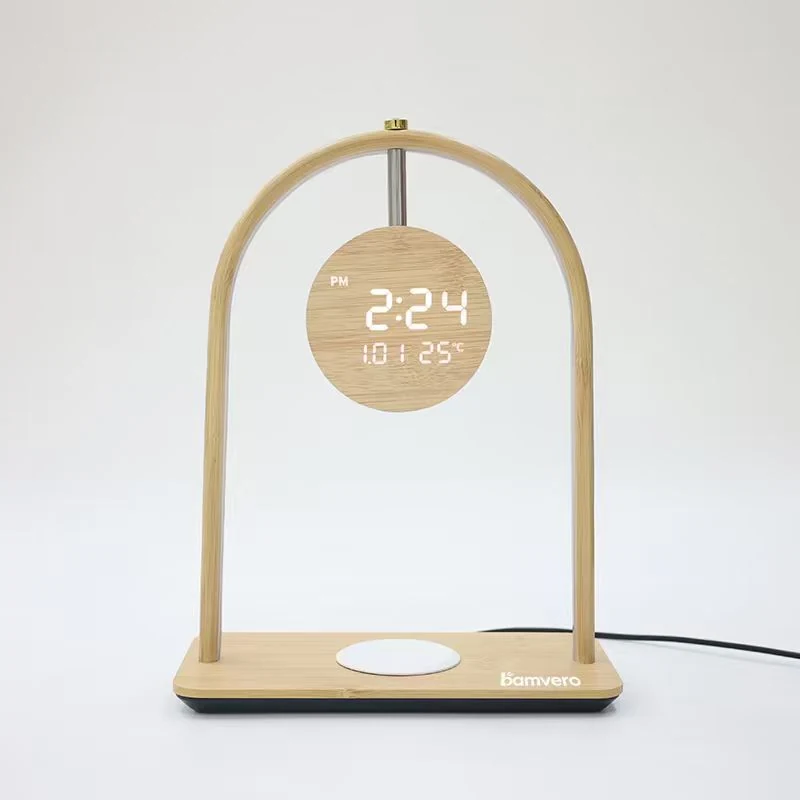
If a multi-function product adds a lamp, speaker or temperature display, test whether those controls make the primary clock and charging tasks easier or harder. The Arch bamboo charging clock lamp is a taller-format example where placement, display, ambient light and charging should be tested together in the room.
Write the RFQ So Suppliers Cannot Guess
Avoid a request that says only “hotel clock with USB-C.” State whether you require:
- USB-C power input for the clock;
- a guest-facing USB-C charging output;
- wireless charging;
- or a defined combination of these functions.
Then add the destination market, room type, nightstand dimensions, outlet location, representative devices, cable policy, required clock controls, branding, packaging and pilot quantity. Ask the supplier to mark every unconfirmed point instead of substituting a similar model's specification.
Select by Room Type, Then Pilot
A hotel does not need one charging method for every room if guest profiles and furniture differ. A business room may prioritize visible charging access. A compact boutique room may prioritize a clean surface. Accessible rooms may need different reach, labeling or cable considerations. Define the room job first, select a production-representative sample and run a small pilot before wider rollout.
Bamvero Living can prepare a focused clock shortlist when the inquiry identifies whether USB-C means power input or guest output, whether wireless charging is required, and which room and device conditions must be tested.
Need a charging clock matched to your room?
Share whether USB-C means input or guest output, the required wireless function, room layout and representative devices.
Request a hotel clock shortlist