
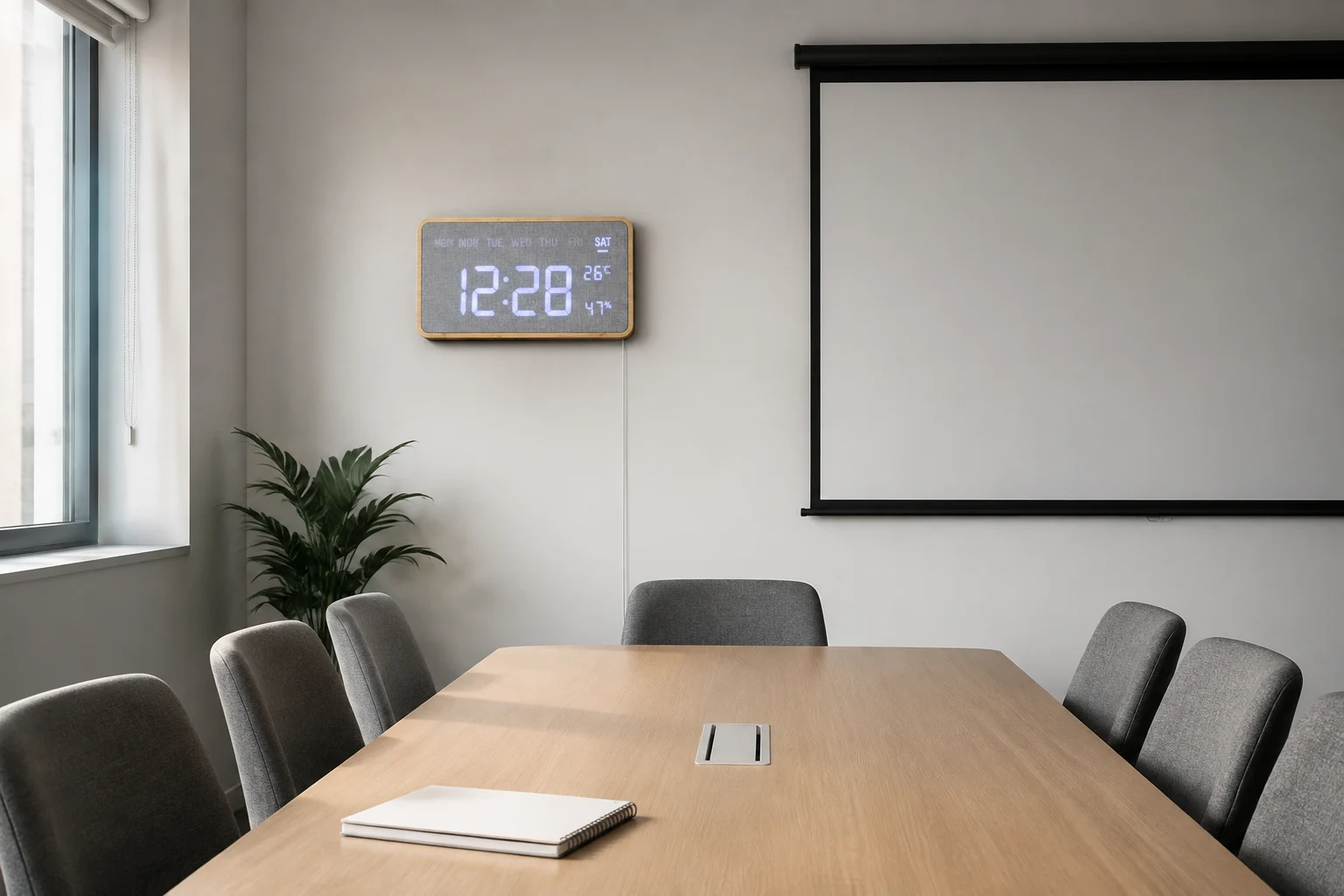
Choose a wall clock from the seats where people will use it, then check the screen, daylight, cable route and maintenance access before ordering for every room.
The best place for a meeting room wall clock is not necessarily the empty space left after the presentation screen goes up. A clock that looks balanced in a room photograph may be blocked from one chair, difficult to read in side light or awkward to reach when the time needs adjusting.
For office buyers, selection starts with the room in use. The G290 rectangular bamboo fabric wall clock offers a bamboo-framed, fabric-faced digital format to assess against that room. It should be reviewed as a physical sample, not chosen on the assumption that a large-looking display will work from every seat.
Check the least convenient seat first
Stand near the proposed wall position, then sit where the farthest attendee normally sits. Repeat the check from seats near the side walls. Ask whether the time can be read with a quick glance, without leaning around another person, a monitor or an open door. Record the actual distance and angle rather than assigning a universal viewing range to the clock.
A paper outline can help the fit-out team compare wall space before a sample arrives, but it does not show LED contrast or reflections. Use the powered sample for the final decision. If the clock is clear from the center chair but not the edge seats, change the location before assuming that a different finish will solve the problem.
Treat the clock and presentation screen as neighbors
Check the room with the screen both in use and switched off. A clock immediately beside bright slides may attract attention differently from the same clock on a quiet wall. Conversely, a position hidden by a lowered projection screen leaves the room without a visible time reference during the very activity that needs it.
Agree which surface should hold attention during a presentation, and keep the time display easy to find without competing for the same space. Test any available brightness settings on the exact sample and record the accepted setting. Do not specify dimming behavior, remote control or automatic brightness adjustment until those features are confirmed for the quoted version.
Look again when the daylight changes
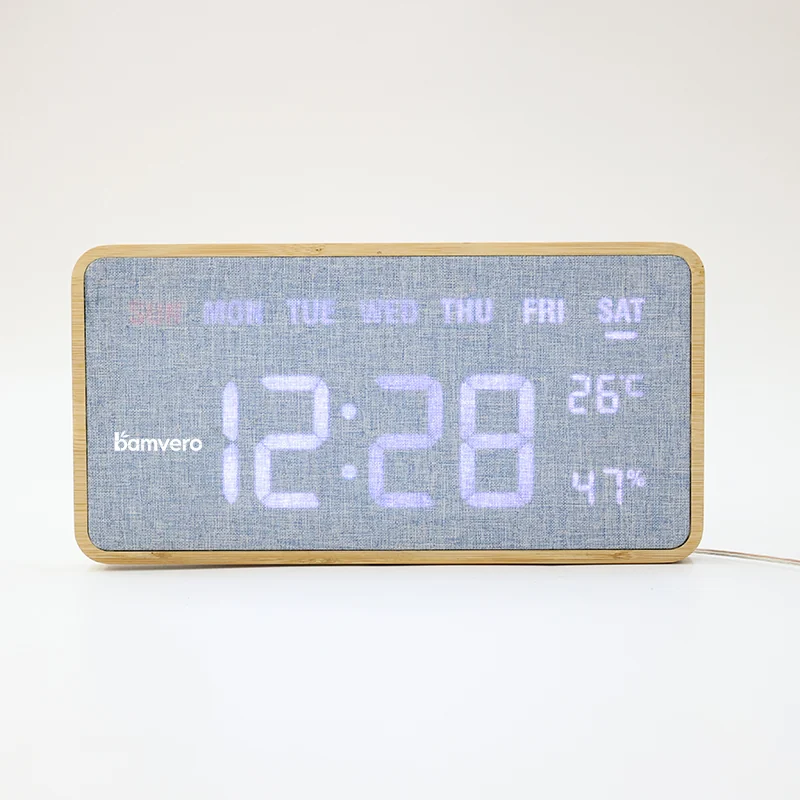
The G290's fabric face and bamboo frame create a different visual surface from a glossy black clock. That is a styling distinction, not proof that glare or readability issues disappear. Review the sample with the blinds open, with the normal room lights on and with the lighting arrangement used for video calls.
Take a seated-view reference photo for the project record, but make the judgment in the room. A phone camera may render an LED display differently from what a person sees. If a particular window or light fixture causes a problem, document that condition so another room is not approved from the first room's photograph alone.
Decide how power and adjustments will be handled
Before approving the wall position, confirm the supplied power arrangement, cable route, mounting method and access to controls. A neat front view is only one part of the installation. Facilities staff also need to know how they will adjust the clock, reconnect it or replace a unit without disturbing the presentation equipment.
Use the manufacturer's confirmed mounting instructions and have the installer select fixings suitable for the wall. Do not assume that a desktop stand, a hanging point or a power accessory shown with a related model is supplied with the G290. Where cable concealment is part of the fit-out, include it in the installation scope rather than leaving it to the person who opens the box.
Separate timekeeping from room-booking functions
A visible wall clock helps people check the time; it is not automatically a meeting timer, booking panel or network-synchronized display. If the office needs those functions, write them into a separate requirement and ask whether the proposed product actually supports them. The existence of a digital display is not sufficient evidence.
Apply the same care to additional information shown on the face. Confirm the supplied display fields and controls, and avoid presenting room-condition readings as a substitute for a building-management instrument. Keep the purchasing brief centered on the function the team can verify and will use.
Approve a room type before buying for every room
Pilot the proposed clock in one representative room. Keep a short record of the model version, wall position, viewing distances, lighting, power route and person responsible for maintenance. Ask a few regular users whether the time is easy to find during an ordinary meeting, rather than only during a staged demonstration.
If the office has several room sizes or layouts, group them before deciding the final quantity. A six-seat room and a long boardroom may need separate approval even when the interior finish is the same. Use the product catalogue request to explore alternatives for rooms that fail the first placement check.
Send the room types, quantities, destination, preferred finish, installation conditions and sample questions through the Bamvero Living inquiry page. A useful brief says where and how people need to read the time. That gives the supplier a clearer starting point than asking for a wall clock that “works in any office.”
Choosing clocks for several meeting rooms?
Choose a wall clock from the seats where people will use it, then check the screen, daylight, cable route and maintenance access before ordering for every room.
Request an office clock shortlist