
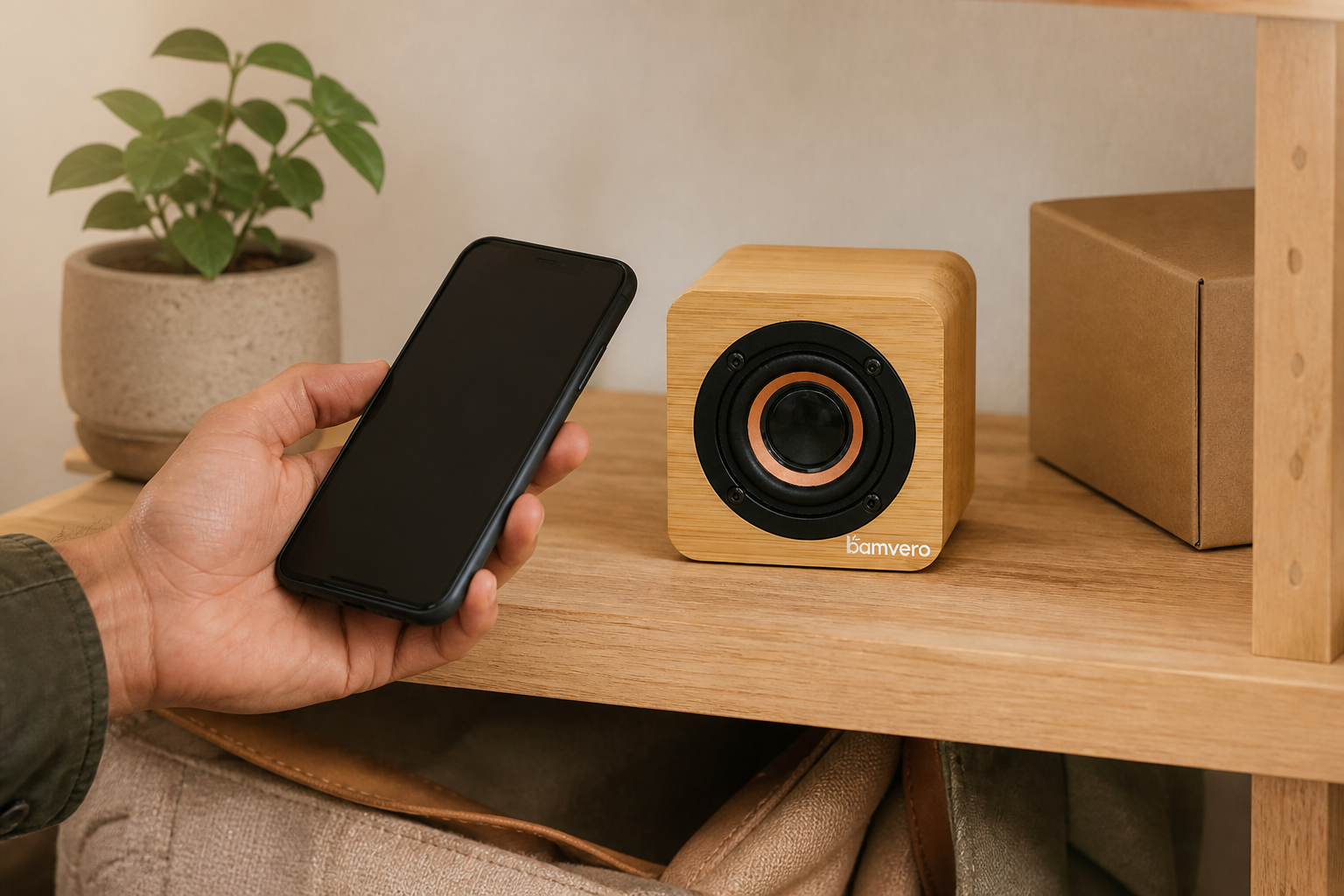
Plan a repeatable Y103N shelf demonstration covering product placement, Bluetooth pairing, audio, clock visibility, customer reset and packaging.
Define the Retail Story Before Building the Display
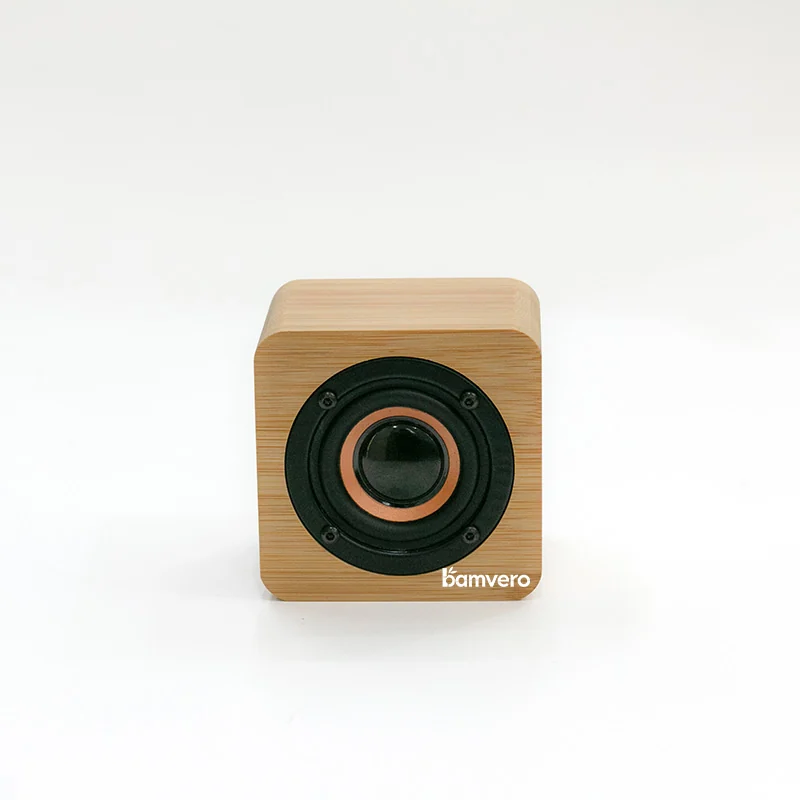
The Y103N combines a compact bamboo clock form with a visible front speaker structure and Bluetooth audio. A lifestyle retailer should decide whether the display story is compact audio, functional desk décor or a practical technology gift before choosing the shelf position and demonstration.
Start with the Y103N bamboo Bluetooth speaker clock. Use its real product image to confirm the cube-like body, bamboo finish, front speaker area and display location before creating any lifestyle scene or retail instruction.
Choose a Shelf Position That Explains Scale
Place the sample where customers can see the clock and speaker front without bending or lifting the product. Leave enough space around the unit to separate it from unrelated electronics and to show its compact footprint against familiar objects.
Test the display from the aisle, at normal standing distance and from the position where a shopper would operate it. Check that price cards or shelf edges do not cover the time display or speaker area.
Prepare a Repeatable Bluetooth Demonstration
Retail staff need a short pairing sequence based on the approved sample and current manual. Test connection, reconnection, volume changes and the expected reset procedure with the devices the store will actually use.
Do not publish an unverified Bluetooth version, range or battery claim. Record the tested phone, software condition, distance and surrounding wireless environment so the demonstration can be repeated when questions or returns occur.
Use Neutral Audio and a Controlled Volume
Choose demonstration audio that the retailer is permitted to use, and keep the volume suitable for the store. A short, repeatable audio sequence helps staff compare clarity without turning the display into a noise source for nearby categories.
Confirm that the clock information remains readable while audio is playing. The product should be demonstrated as a combined object, not as a speaker with its time function ignored.
Check the Clock and Speaker From Customer Angles
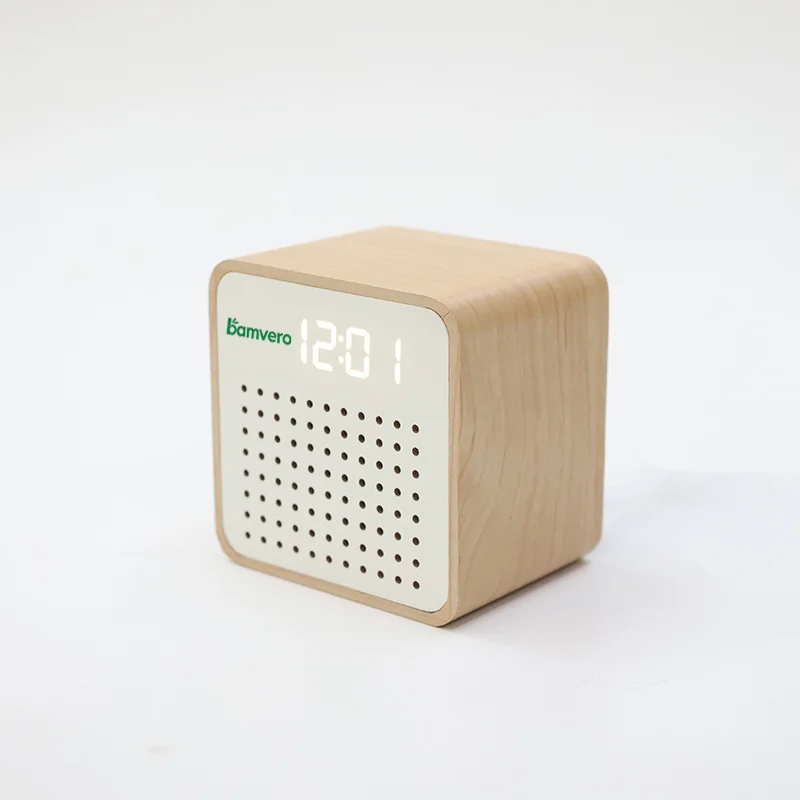
Review the display under the store's actual ceiling lights and from several common viewing angles. Bamboo tone, display contrast and speaker-front appearance can look different from a studio photograph.
Compare the Y103N with the Y103 bamboo speaker clock when a retailer needs a second compact format. Use exact model labels so staff do not mix operating instructions or packaging between similar products.
Reset the Sample Between Customers
Create a simple opening, between-customer and closing routine. The process may include checking the display state, disconnecting the previous phone, restoring volume, wiping the bamboo surface and returning the sample to its marked position.
Keep the routine beside the staff area rather than adding visible technical clutter to the shelf. Record recurring pairing or handling questions so retailer training can be improved.
Compare Audio Clocks With Different Buyer Jobs
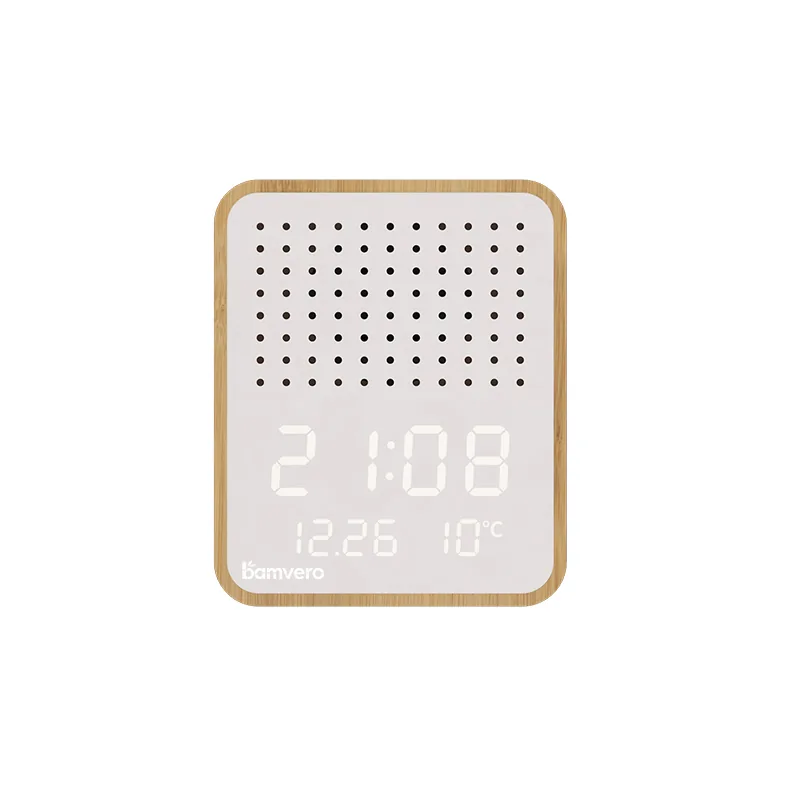
The Y130-2 bamboo Bluetooth speaker alarm clock uses a different front treatment and display direction. Compare it when the retailer wants a broader audio-clock range, but give each model a distinct shopper story.
The 2605 compact bamboo radio alarm clock belongs to a radio-led use case rather than a phone-audio demonstration. Keeping those jobs separate makes the retail selection clearer and reduces mismatched customer expectations.
Match Packaging and Store Information to the Demo
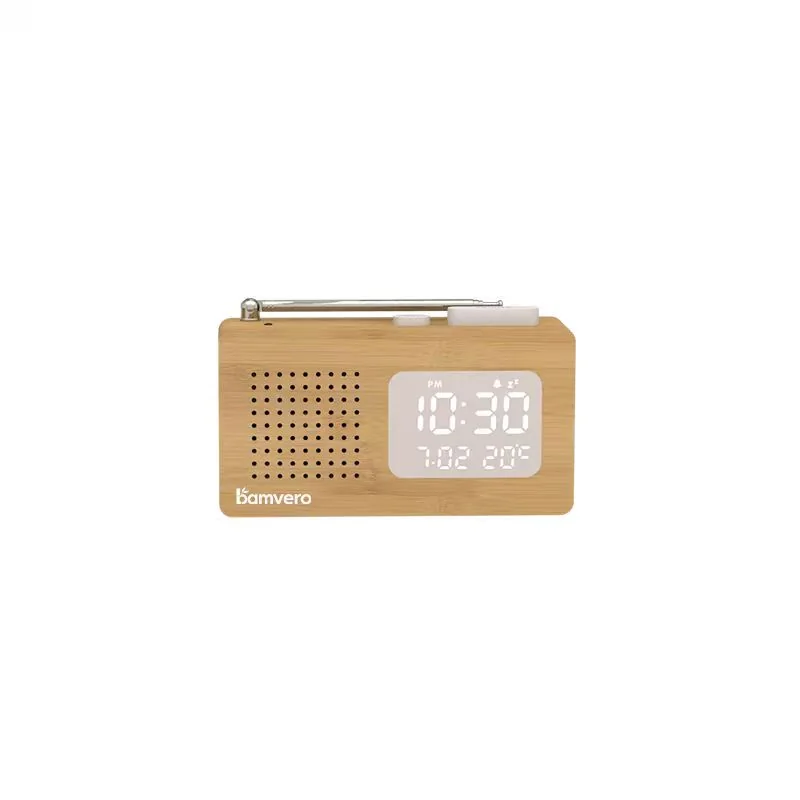
The retail box, online description and staff card should name the same model and included accessories. Check that the package protects the bamboo surfaces and speaker front while still providing enough accurate information for the shopper.
Use one horizontal scene image for the retail story and at least one real product-library image for model verification. ALT text should describe the exact product, action and setting without repeating a list of keywords.
Send a Retail-Demo Inquiry
Prepare the market, store type, number of locations, display position, sample quantity, packaging language and models to compare. Add a photograph or simple sketch of the intended shelf when possible.
Bamvero Living can use those details to prepare a Y103N sample and retail-demonstration plan. This keeps the inquiry focused on shopper understanding, staff operation and repeatable presentation rather than another hotel or office project.
Need a Y103N store-demo sample plan?
Share the market, store type, display position, number of locations, packaging language and models to compare.
Request a Y103N retail demo plan