
Test the clock, installed room standard, device behavior, cleaning routine and support process together before a wider hotel rollout.
Before approving a hotel-wide rollout, review Hotel bedside wireless charging clock procurement guide, W101 compact charging clock, W120 multi-device charging clock and confirm the requirements for your project.
Who This Guide Is For
This guide is for hotel procurement, operations, engineering, housekeeping and guest-experience teams that have shortlisted a bedside wireless charging clock and need to test it in real rooms before a wider rollout.
A showroom sample can confirm appearance and basic function. It cannot show how the clock behaves with the property’s nightstand, outlet location, cleaning routine, guest devices, room lighting and staff support process. A controlled pilot turns those operational details into a documented purchase decision.
Quick Decision Guide
| Pilot Question | Team Involved | Evidence to Collect |
|---|---|---|
| Does the model fit the room? | Design, engineering, housekeeping | Placement photos and measurements |
| Can guests use it without help? | Guest experience and front desk | Questions, observations and feedback |
| Does charging work with representative devices? | Engineering or IT | Device, case, power and result log |
| Can staff clean and reset it consistently? | Housekeeping | Room-check record and finish observations |
| Is support manageable? | Front desk and engineering | Incident type and resolution time |
| Is the property ready to roll out? | Procurement and operations | Pilot scorecard and corrective actions |
The pilot size and duration should reflect the property, room types, occupancy pattern and project risk. Define the evaluation window before starting rather than stopping as soon as the first positive comments arrive.
Define the Pilot Decision Before Choosing Rooms
Write down what the pilot must decide. Examples include selecting between a compact bedside model and a multi-device station, confirming whether the clock works in a renovated room, or deciding whether a desk-organizer format suits extended-stay rooms.
Define success categories before installation:
- Guest usability
- Charging reliability in the approved device test set
- Clock and alarm usability
- Nighttime display comfort
- Room fit and cable management
- Cleaning and finish durability
- Staff support workload
- Damage, failure and replacement process
- Branding and instruction clarity
Avoid using a vague objective such as “see whether guests like it.” A useful pilot produces evidence for a purchase, revision or rejection decision.
Match Pilot Rooms to the Intended Rollout
Choose rooms that represent the environments where the product may be installed. Include differences that can change the result: nightstand size, outlet position, lighting, guest profile and housekeeping route.
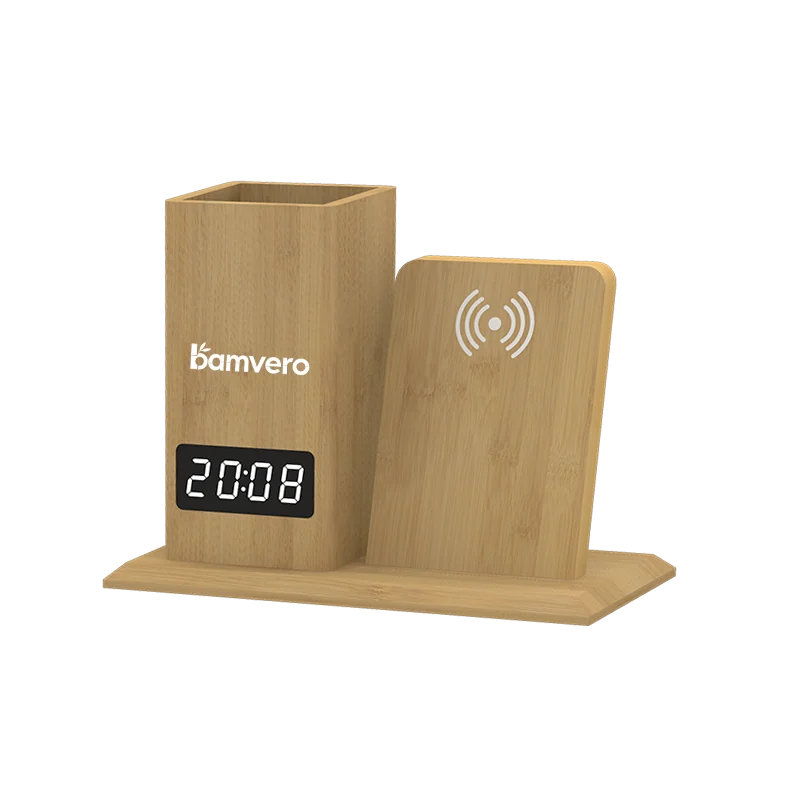
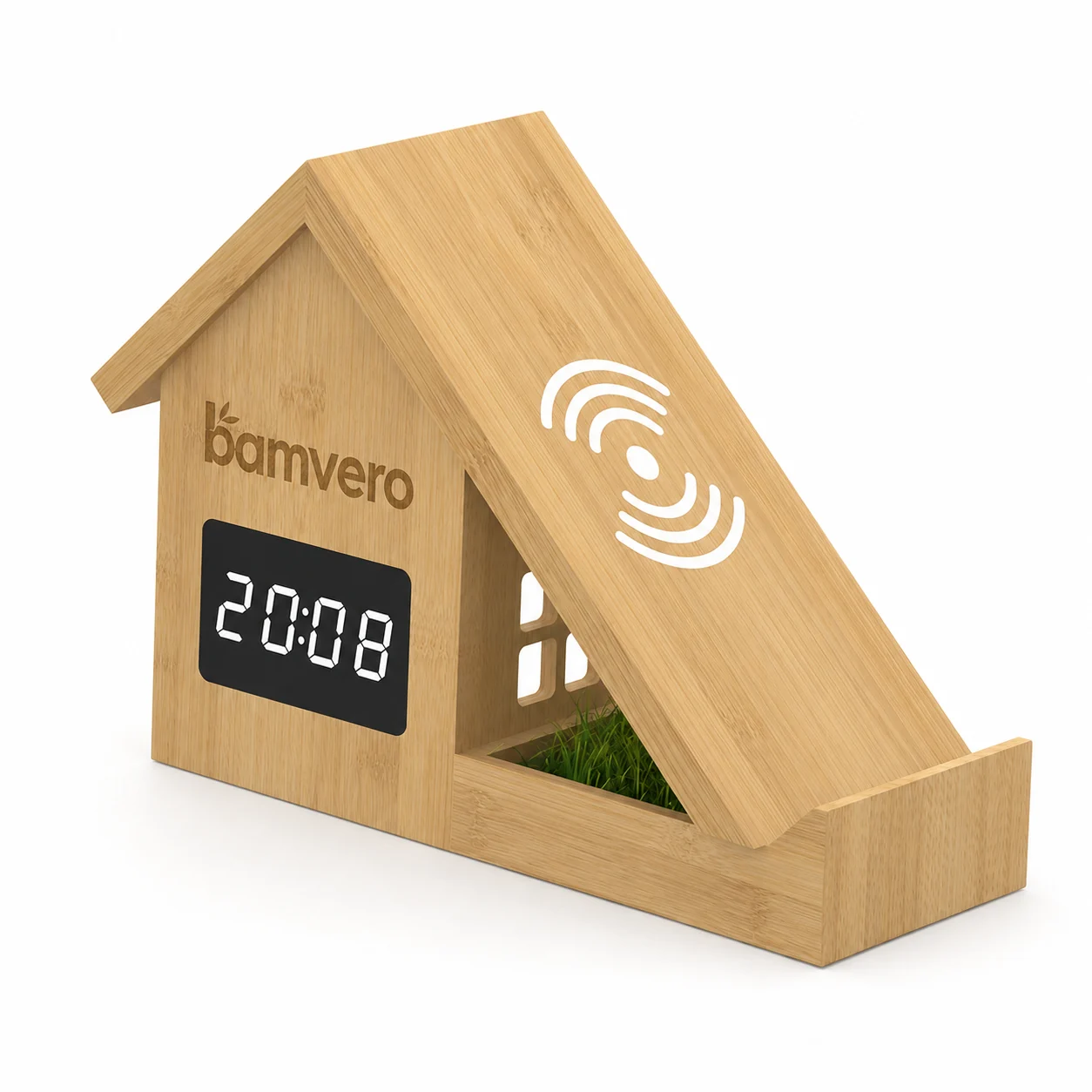
A compact charging clock may suit standard rooms with limited surface space. A model such as W120 may be considered where multi-device charging is a defined guest need and the exact supported device configuration has been verified. Organizer formats such as W119 or W125 may fit extended-stay desks better than a small bedside table.
Do not test a premium model only in the property’s best staged suite if the intended rollout includes standard rooms. Record the room type and installation conditions with every result.
Approve the Installed Position, Not Only the Product
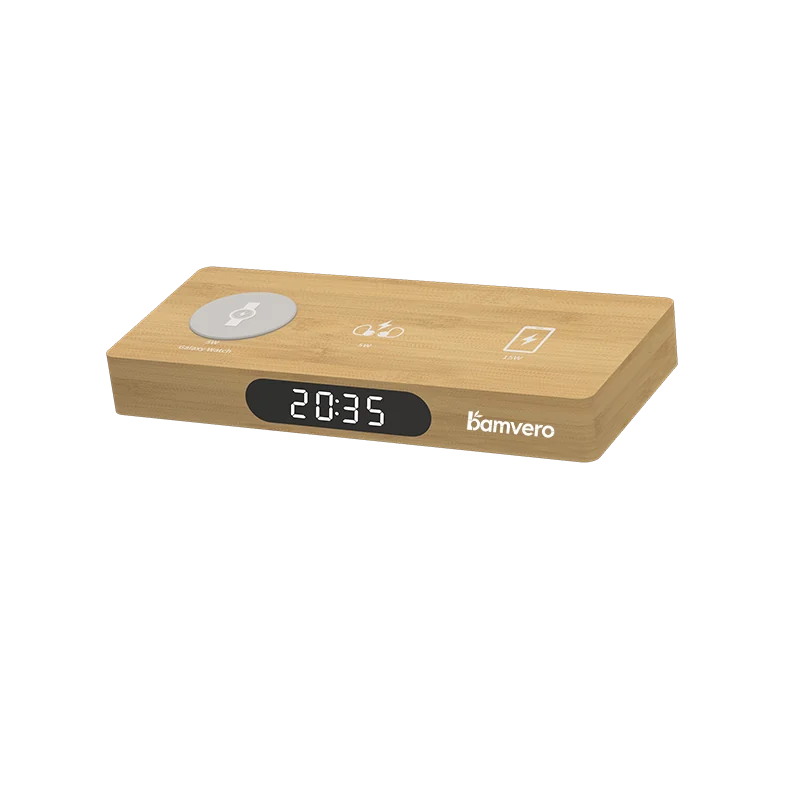
The installation can determine whether charging and clock use feel intuitive. Place the unit within comfortable reach without taking away the guest’s usable nightstand area.
Check:
- Display visibility from the bed and normal entry path
- Access to alarm, brightness and time controls
- Charging surface level and free from obstructions
- Power cable route, strain and housekeeping access
- Distance from water, heat and items that may interfere with charging
- Stability on the actual furniture surface
- Space for the guest’s phone, glasses and personal items
Photograph the approved placement and include it in the room standard. If staff position the product differently after cleaning, compare the results and adjust the placement instructions.
Build a Representative Device and Case Test Matrix
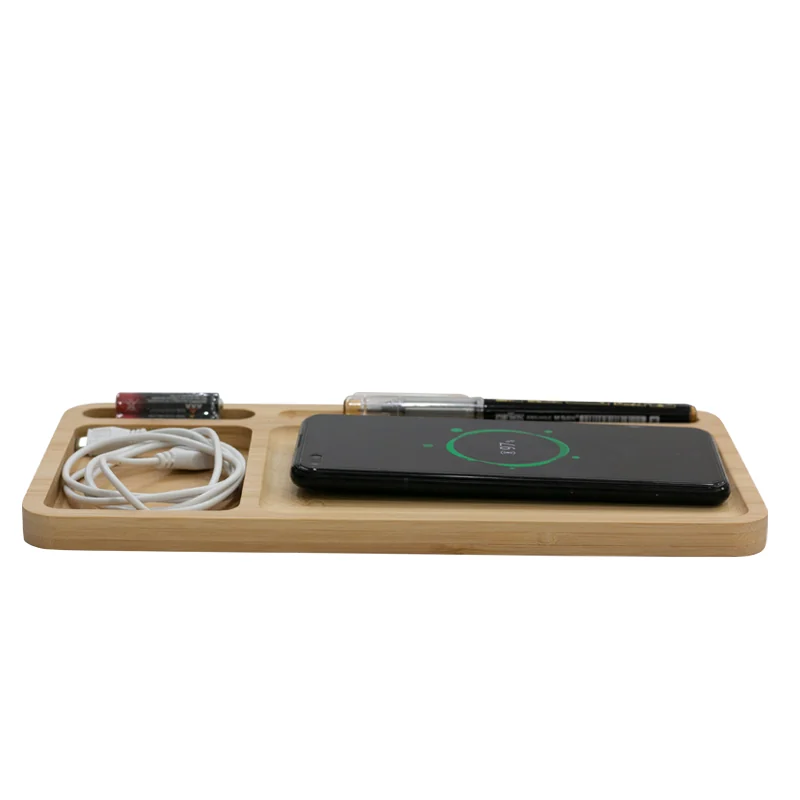
Wireless charging results depend on the exact clock configuration, phone, case, alignment and input supply. The printed maximum wattage does not mean every device will charge at that rate.
Create a test matrix from devices commonly carried by the property’s guests and staff. Record:
- Phone or supported device model
- Case type and whether it contains metal or magnets
- Power cable and adapter used
- Charging position and alignment
- Whether charging begins and remains stable
- Any heat, interruption or indicator behavior
- Result after removing the case, if relevant
For a multi-device model, test each charging position with the supplier-confirmed device list. Do not advertise universal watch or earbud compatibility without model-specific evidence.
Test Clock and Alarm Usability in Day and Night Conditions
Guests interact with the clock when tired, in low light and without reading a long manual. Test the product in the actual room with curtains open, normal evening light and a dark sleeping environment.
Ask staff members who did not select the product to:
- Read the display from the bed
- Adjust brightness if the function is included
- Set and cancel the alarm
- Use snooze if included
- Confirm the time after power interruption according to the model’s behavior
- Identify the charging area and power status
Observe where they hesitate. A correct function can still create support calls if the controls, icons or instruction card are unclear.
Include Housekeeping in the Pilot From the Start
Housekeeping sees the product more frequently than procurement. Their feedback reveals whether the clock is easy to clean, reset, inspect and position during a normal room turn.
Create a short room-check procedure:
- Confirm power and correct time display
- Inspect cable connection and visible damage
- Clean using the property-approved method for the actual finish
- Check the charging surface for debris or foreign objects
- Return the unit to the approved position
- Report a loose part, damaged finish or unusual heat immediately
Do not publish a universal cleaning claim. Ask the supplier for finish-care guidance and verify it with the property’s cleaning materials on pilot units. Record changes in gloss, color, surface feel or logo quality.
Prepare Front Desk and Engineering Support Scripts
The pilot should test the support process as well as the product. Front desk staff need a short response for charging questions, while engineering needs a consistent diagnostic sequence.
When charging does not begin, check:
- Is the unit powered with the approved input supply?
- Is the device supported by the selected configuration?
- Is the phone centered on the correct charging area?
- Does the case include metal, a ring, wallet or magnet that may interfere?
- Does charging begin after removing the case?
- Does a known test device work on the same unit?
This sequence separates device and setup issues from product failure. Keep an alternative approved charging option available for guests when the wireless feature does not support their device.
Collect Guest Feedback Without Overpromising
Use a few specific questions rather than a general satisfaction score. Ask whether the charging area was easy to identify, the display was comfortable at night, controls were understandable and the product occupied a reasonable amount of space.
Do not instruct guests that the product works with every phone. The room card should explain the basic placement, the model-specific power indicator and how to contact the front desk. Device examples should be included only when they have been verified for the installed configuration.
Combine survey responses with observed behavior and incident records. A guest may like the appearance but never use charging; another may value charging but find the display too bright. Both observations matter to the final decision.
Track Incidents by Cause, Room and Unit
Give each pilot unit an identifier so failures can be connected to a room, lot and test history. Avoid a single “not working” category.
Use incident categories such as:
- Unit unplugged or wrong power accessory
- Device or case not supported
- Placement or alignment confusion
- Clock setting or alarm confusion
- Display brightness concern
- Cleaning or finish issue
- Cable or connector damage
- Confirmed charging, clock or display failure
- Physical damage or missing unit
Record the action taken and whether the issue returned. Repeated problems across different rooms may indicate a product, instruction or installation issue. A single room with repeated cable disconnection may need a furniture or power-route correction.
Review the Pilot With a Cross-Functional Scorecard
Procurement should not approve rollout using purchase price and guest comments alone. Bring operations, housekeeping, engineering, front desk, design and brand teams into the review.
Score the agreed categories and attach evidence. Separate items that the supplier can correct-such as instructions, packaging or logo-from issues inherent to the product format, such as footprint or control complexity.
Use four possible outcomes:
- Approve rollout: The model and installed standard meet the property’s criteria.
- Approve for selected room types: The format fits only particular rooms or guest profiles.
- Revise and repeat the pilot: A controlled change requires new evidence.
- Reject or select another model: Operational, functional or support risks remain unacceptable.
Any approved change should be added to the model specification, room-placement standard, instruction card and staff procedure before rollout.
Plan the Rollout and Replacement Process Together
A successful pilot is not the end of operational planning. Confirm production timing, delivery points, room installation sequence, staff training, spare-unit policy and supplier claim process before the purchase order.
Set the spare quantity from pilot incidents, service expectations and replenishment time rather than a universal percentage. Define how defective units are tagged, isolated, reported and replaced. Keep the approved cable and power requirements available so staff do not introduce an incompatible accessory later.
For multi-property programs, preserve the pilot record and document which room types use which model. Standardization can simplify training and replacement, but only when the same configuration and operating conditions are maintained.
Common Hotel Pilot Mistakes
Testing only in an empty model room
An empty room does not reveal guest questions, housekeeping movement or real occupancy conditions.
Using an undefined device list
Random phone tests cannot support a clear compatibility statement. Record representative devices, cases and power supplies.
Excluding housekeeping and front desk teams
Procurement may miss cleaning, reset and support problems that appear during daily operation.
Changing placement during the pilot without recording it
The product and installation should be evaluated together. Photograph and version the approved position.
Approving rollout before corrective actions close
Instructions, finish, power and functional issues need evidence of correction, not a promise to fix them later.
Final Hotel Pilot Checklist
- [ ] Pilot objective and decision criteria are written
- [ ] Rooms represent the intended rollout environments
- [ ] Product position and cable route are documented
- [ ] Device, case and power test matrix is complete
- [ ] Clock, alarm and brightness are checked in real lighting
- [ ] Housekeeping cleaning and reset procedure is tested
- [ ] Front desk and engineering diagnostics are prepared
- [ ] Guest feedback uses specific usability questions
- [ ] Incidents are linked to room, unit and cause
- [ ] Cross-functional review produces a recorded decision
- [ ] Corrections are verified before rollout
- [ ] Replacement and supplier claim processes are defined
When requesting hotel pilot options, share the property type, room layouts, destination market, required charging roles, branding direction and rollout plan. Bamvero Living can then suggest a focused model group and sample brief for real-room evaluation.
Related sourcing resources
Methodology and official references
Pilot instructions must match the exact installed configuration. Confirm charging profiles, accessories, certification status, cleaning guidance and destination requirements before rollout.
Frequently asked questions
How many rooms should a hotel charging clock pilot use?
Choose enough rooms to represent the intended room types, furniture, outlet layouts, guest profiles and operating conditions. The right number depends on property risk and the evidence required.
Which devices should the hotel test?
Build a representative device and case matrix from the property’s guest profile. Record the exact power supply, placement and result instead of claiming universal compatibility.
Why should housekeeping participate in the pilot?
Housekeeping can verify cleaning, cable condition, clock reset, approved placement and finish durability during the real room-turn process.
How should charging incidents be diagnosed?
Check power, device support, case, alignment and a known test device before classifying the unit as defective. Record the room, unit and resolution.
Which outcomes can follow the pilot?
The property can approve rollout, approve selected room types, revise and repeat the pilot, or reject the model based on documented cross-functional criteria.
Need a focused guest-room pilot shortlist?
Share the property type, room layouts, target market, charging roles and rollout plan so candidate models can be matched to the pilot.
Request hotel pilot options