
Give housekeeping one short routine for alarms, display, power, cleaning, charging areas and the final room-ready clock position.
A Room-Ready Clock Needs a Repeatable Reset
A hotel alarm clock can look clean while still carrying the previous guest's alarm, display setting or charging problem into the next stay. Housekeeping therefore needs a short repeatable reset that can be completed without learning the full product manual every time.
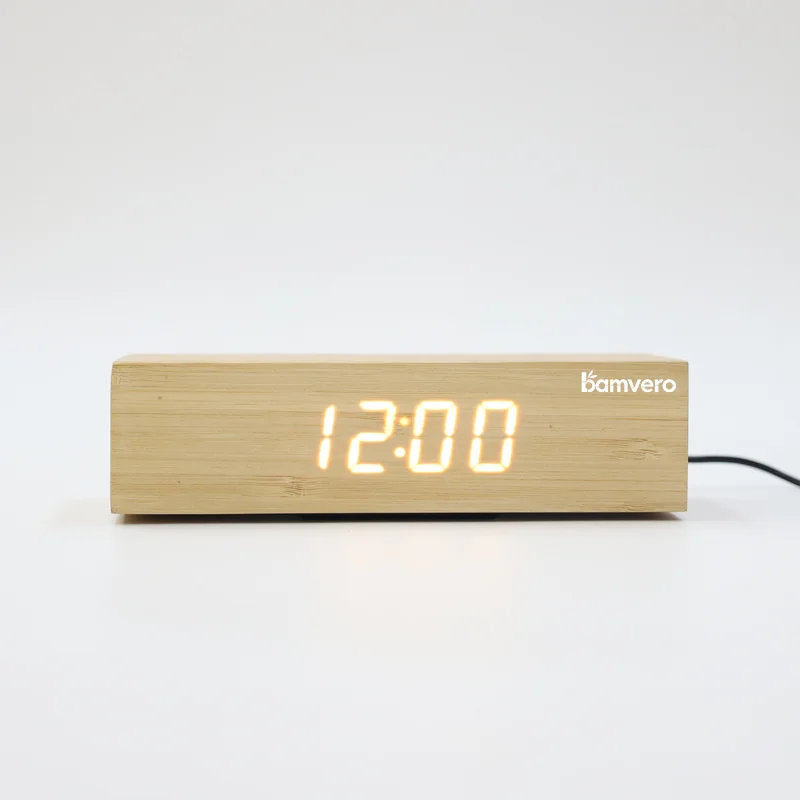
The routine should be written for the exact model in the room. A simple product such as the 1916 bamboo push-button alarm clock may need a different sequence from a charging clock or a clock lamp. Put the model name and a small control image on the staff instruction so similar-looking products are not confused.
Cancel the Previous Guest's Alarm
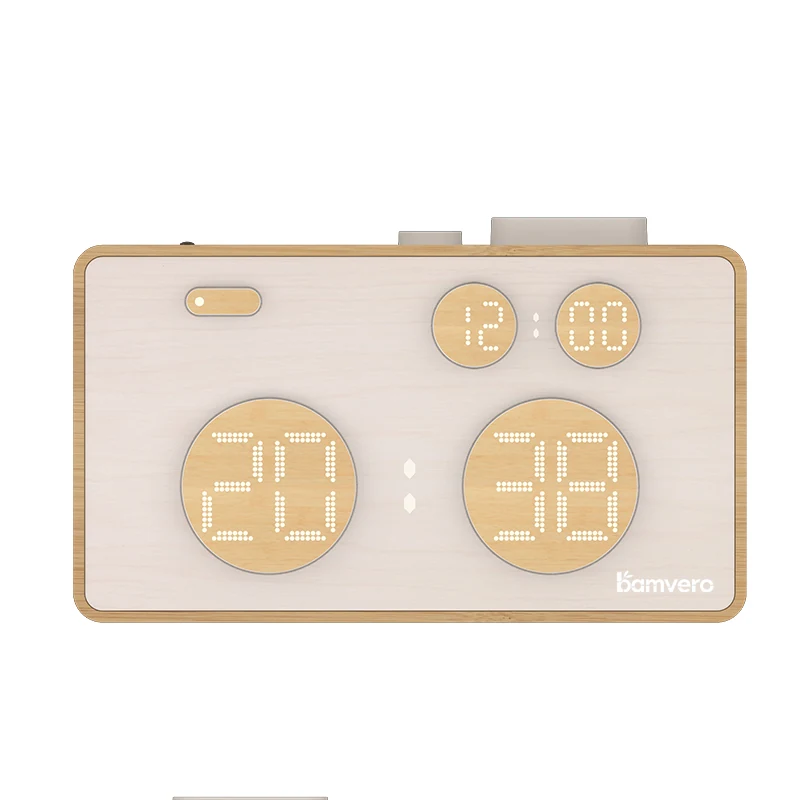
Start by confirming that every alarm is off unless the hotel's room standard intentionally requires another setting. Do not rely only on the time shown on the display. Staff should know which alarm indicator must disappear and how to check a second alarm if the model supports one.
Then verify the current time and the hotel's chosen format. If the clock can switch between 12-hour and 24-hour display, define one room standard. Record what the clock does after power loss, because an unplugged unit may retain the alarm, lose the time or return to another default.
Return Display and Sound to the Room Standard
Set brightness, sound level and any night mode to an agreed baseline. The display must remain readable in the room without creating unwanted light near the bed. A daytime housekeeping check should be supplemented by a dark-room test during the original product pilot.
Avoid asking staff to make personal judgments for every room. The hotel bedside alarm clock specification guide helps buyers define display, control and reset requirements before the housekeeping instruction is written.
Check Power, Cable and Bedside Placement
Confirm that the power cable is fully connected, undamaged and routed away from drawers, sharp edges and guest movement. The clock should sit in its approved position without covering controls or competing with the lamp, telephone, water or other bedside items.
If the product includes charging, confirm what the port or charging surface is intended to do. The hotel USB-C and wireless charging comparison explains why a USB-C power input must not be mistaken for a guest charging output. Staff instructions should use the same names and symbols seen by the guest.
Clean Without Flooding Openings or Controls
Follow the approved cleaning method for the finished product. Apply cleaning material to the cloth rather than spraying directly into buttons, speaker openings, ports or seams. Use a soft cloth that will not scratch the display or damage the bamboo surface.
Housekeeping should report cracks, lifted edges, splinters, loose parts, unreadable labels and damaged cables instead of trying to hide them during cleaning. Natural bamboo grain variation is not the same as physical damage. The hotel and supplier should agree which appearance changes require removal from service.
Inspect Charging Areas With the Surface Clear
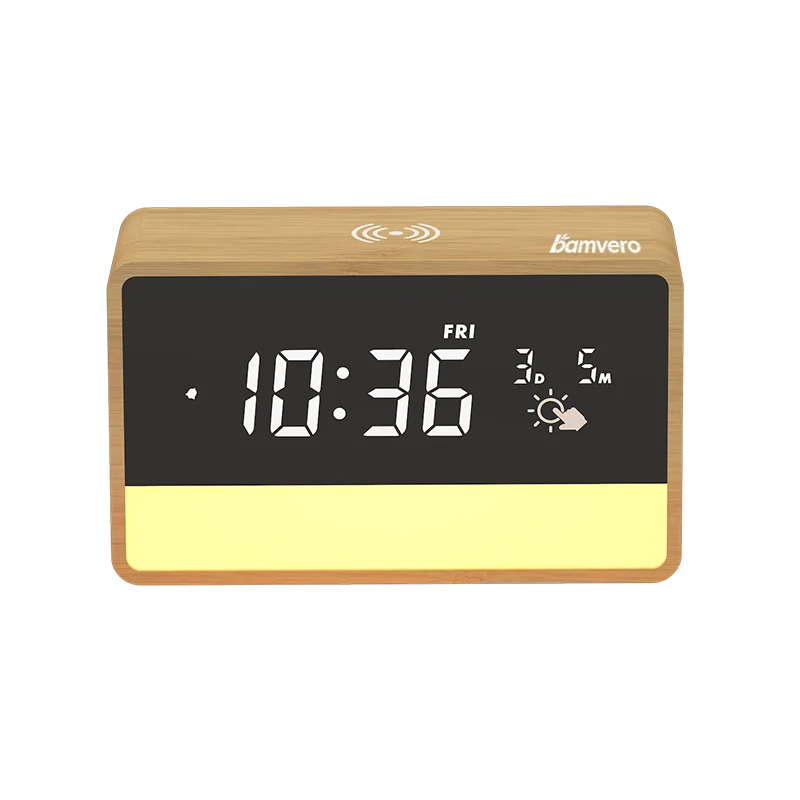
Remove keys, coins and guest items from the charging area before inspection. Wipe the surface using the approved method and make sure the position mark or charging symbol remains visible. For a model such as the W118 bamboo wireless charging clock, the charging area and clock controls should both remain easy to identify after the bedside arrangement is restored.
Housekeeping does not need to run a long device test after every stay unless the hotel chooses that policy. It does need a quick visual and power check, plus a clear route for reporting repeated guest complaints. Maintenance can then use the project's representative device and power setup for a controlled test.
Use a Short Room-Ready Check
At the end of the reset, staff should be able to confirm the same small group of conditions: correct time, alarms off, standard brightness and sound, stable power, clean controls and surfaces, safe cable route and approved bedside position. A small card or mobile checklist is easier to follow than a full manual.
Ask a new staff member to complete the routine without coaching. If the person cannot find the alarm indicator, reset control or charging area quickly, improve the instruction or reconsider the product placement. The hotel charging clock pilot checklist can be used to test these operational details before a larger rollout.
Define When the Clock Leaves the Room
Create a simple escalation rule. Remove the product from service when power is intermittent, the cable or housing is damaged, the time or alarm cannot be reset, controls are unreliable, the display is unreadable or charging complaints repeat under the approved setup.
Record the room, model, issue and action. Repeated faults should be reviewed by model and production batch rather than handled as isolated front-desk complaints. This information improves replacement planning and future product selection.
Prepare the Routine During the Sample Stage
Do not wait until installation to create the housekeeping reset. During the furnished-room sample test, document the approved clock position, power route, alarm-off indicator, display baseline, cleaning method and escalation contact. Take clear photos of the final room-ready state.
Bamvero Living can prepare a model shortlist more effectively when the inquiry includes room type, bedside layout, required clock and charging functions, cleaning restrictions and the staff reset steps that must remain simple.
Need a clock that is easier for staff to reset?
Share the room type, bedside layout, required functions, cleaning limits and staff routine.
Request a hotel clock shortlist