
Test the time display, alarm, controls, charging, placement and room reset with first-time users before wider rollout.
Guest Usability Begins Before the First Button Press
A hotel bedside clock should explain its main jobs through placement, display and controls. Guests arrive with different languages, device habits and levels of familiarity. If the time, alarm status or charging area is difficult to recognize, extra functions will not improve the room experience.
Choose the room job first. A straightforward model such as the 1916 bamboo push-button alarm clock can suit a different room from a clock with wireless charging or ambient light. Compare the number of guest decisions, not only the number of features.
Check Display Readability in Daylight and Darkness
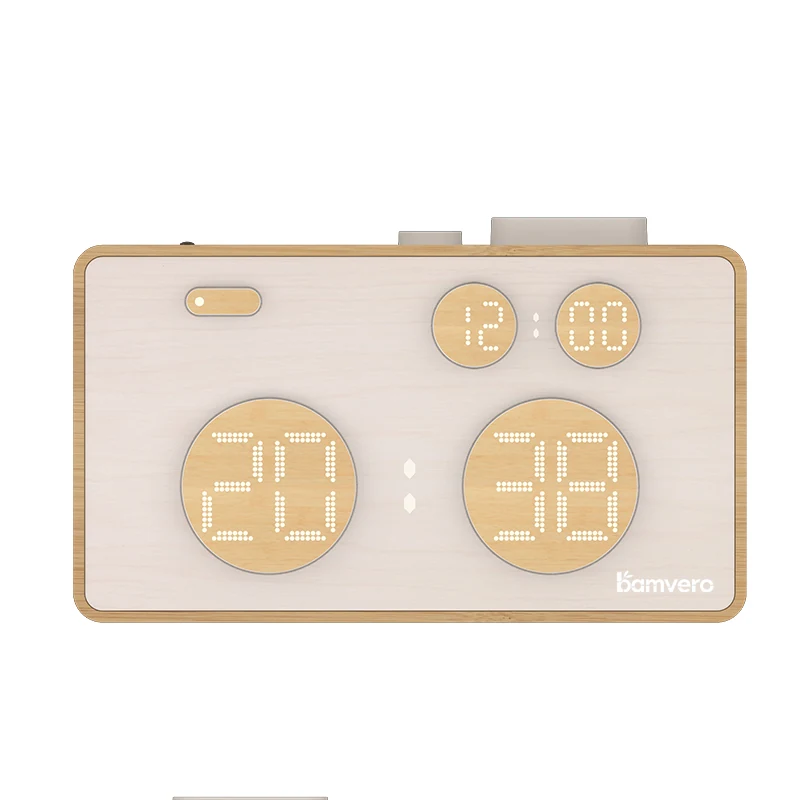
Place the sample on the intended nightstand and view it from the doorway, bed and normal standing position. Check whether the digits remain readable without becoming distracting at night. If brightness can be changed, define the hotel's default and confirm how easily a guest can adjust it.
Look for glare, reflections and objects that block the display. A display that looks clear in a product photo may behave differently beside a lamp or window. The hotel bedside alarm clock specification guide helps buyers convert these observations into model requirements.
Make Alarm Status Easy to Understand
Guests should be able to tell whether an alarm is on, which time it uses and how to cancel it. Test the entire sequence: set an alarm, confirm the indicator, use snooze if provided, stop the sound and make sure the alarm will not repeat unexpectedly.
Ask a first-time tester to complete the sequence without coaching. Record the first hesitation rather than explaining the control immediately. If the tester cannot confirm that the alarm is off, improve the instruction or choose a simpler control layout.
Use Controls That Can Be Found by Touch and Sight
Review button size, spacing, labels and feedback. Important controls should not be confused with brightness, mode or charging functions. Test the product from the position a guest will actually use, including when reaching from bed.
Do not claim that a product meets an accessibility standard without a qualified review for the destination and property. Use the room trial to identify practical reach, visibility and control issues, then compare them with the hotel's applicable requirements.
Keep Charging Instructions Specific
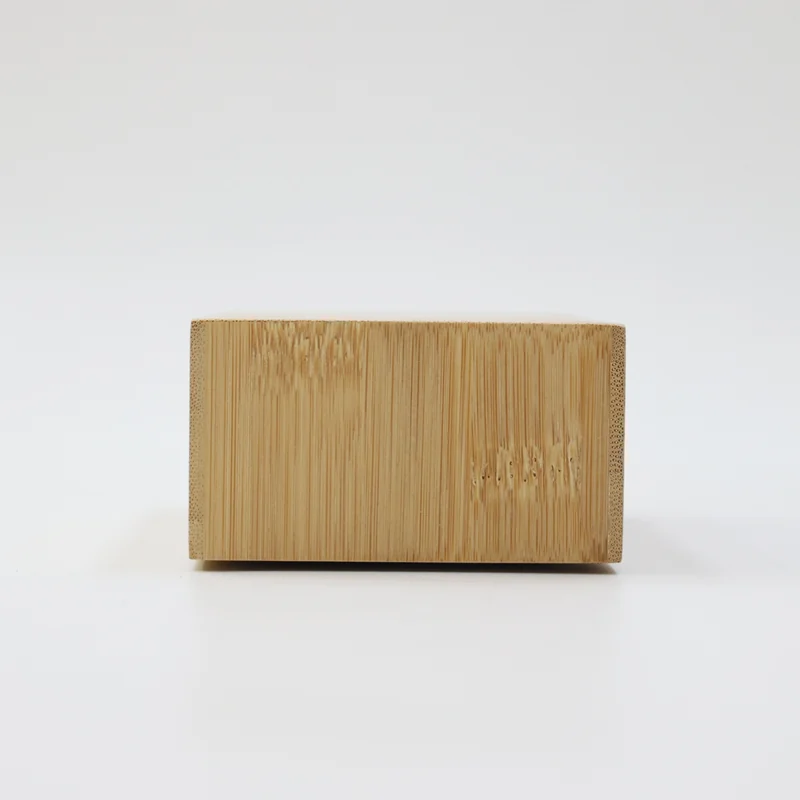
If the clock includes charging, label the guest action clearly. A USB-C connector may power the clock or provide guest charging; those functions must not be confused. A wireless charging surface needs an obvious placement area and a tested power setup.
The USB-C and wireless charging comparison explains which configuration details belong in the hotel RFQ. Test representative devices and cases, then write instructions for the verified setup instead of promising universal compatibility.
Test the Product in the Furnished Room
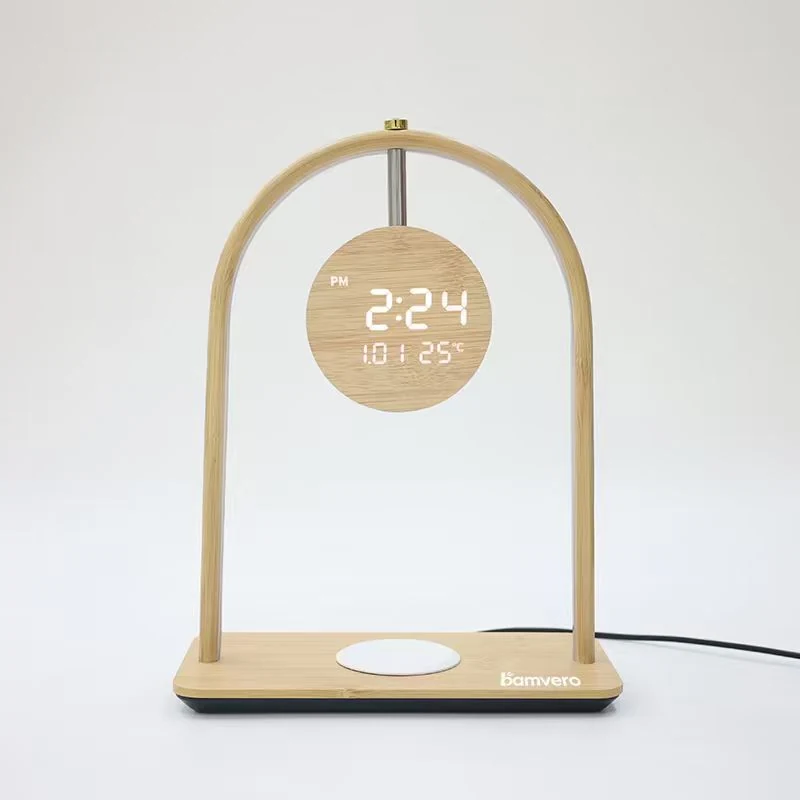
Use the real nightstand, outlet, lamp, telephone, water and guest devices. Check the cable route, product stability, control access and whether one bedside object blocks another. A taller format or clock lamp may need a different position from a compact alarm clock.
The W118 bamboo wireless charging clock can be tested as a clock and charging surface together. Observe whether guests can locate both functions while the phone remains stable and the display remains visible.
Write a Short Guest Instruction
Keep the room instruction focused on the actions guests are most likely to need: adjust brightness, set or cancel the alarm, use charging and contact the front desk when the setup does not work. Use the same names and symbols shown on the product.
Place the instruction where it will be found before a guest starts pressing buttons. Avoid a long feature list. A small visual sequence for the most important action is often more useful than a complete manual left in a drawer.
Confirm Housekeeping Can Restore the Default
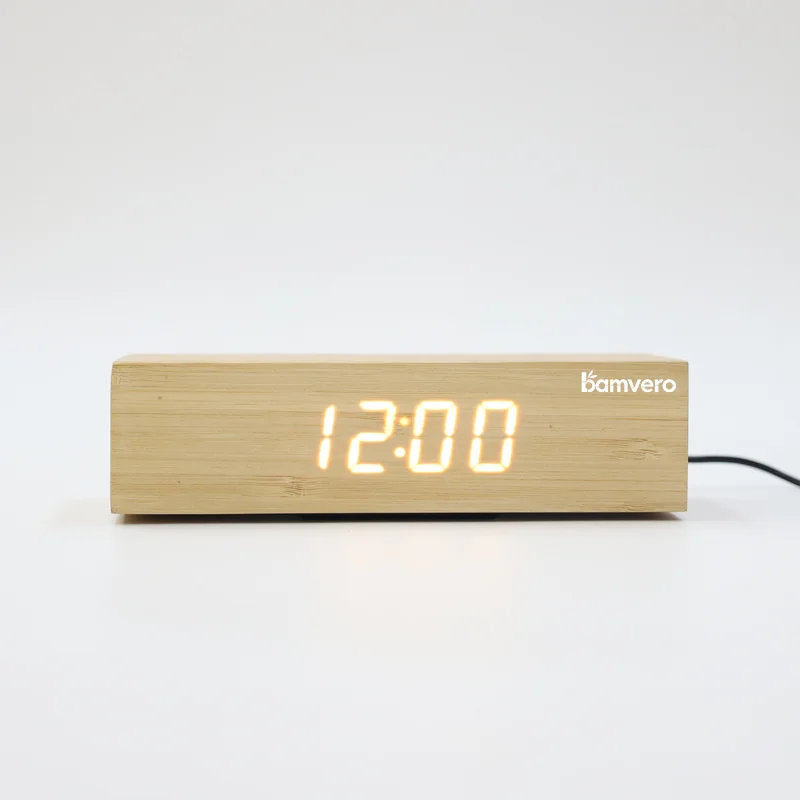
After the guest test, ask housekeeping to return the product to the room-ready state. The routine should cover time, alarm-off status, display baseline, power, cable, charging area and final position. If resetting takes too many steps, that operational burden belongs in the product comparison.
Use the hotel alarm clock reset and cleaning guide to connect guest usability with a repeatable staff routine. A clock that is simple for guests but difficult to reset can still create inconsistent rooms.
Pilot Before a Wider Rollout
Place production-representative samples in a small group of rooms and collect specific observations from guests, housekeeping, engineering and the front desk. Classify questions by alarm, display, charging, power, placement or instructions so the team can see whether the issue is product-related or operational.
Send Bamvero Living the room type, nightstand layout, guest profile, required functions, display preference, charging need and staff reset process. That information supports a smaller shortlist and a more useful furnished-room test.
Need a simpler bedside clock shortlist?
Share the room layout, guest profile, required functions, display preference and staff reset process.
Request a hotel clock shortlist